描述
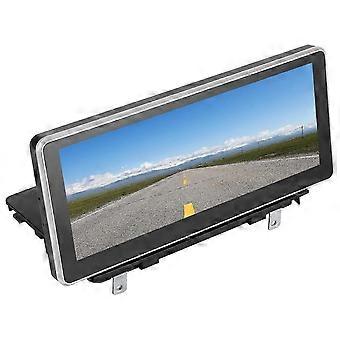
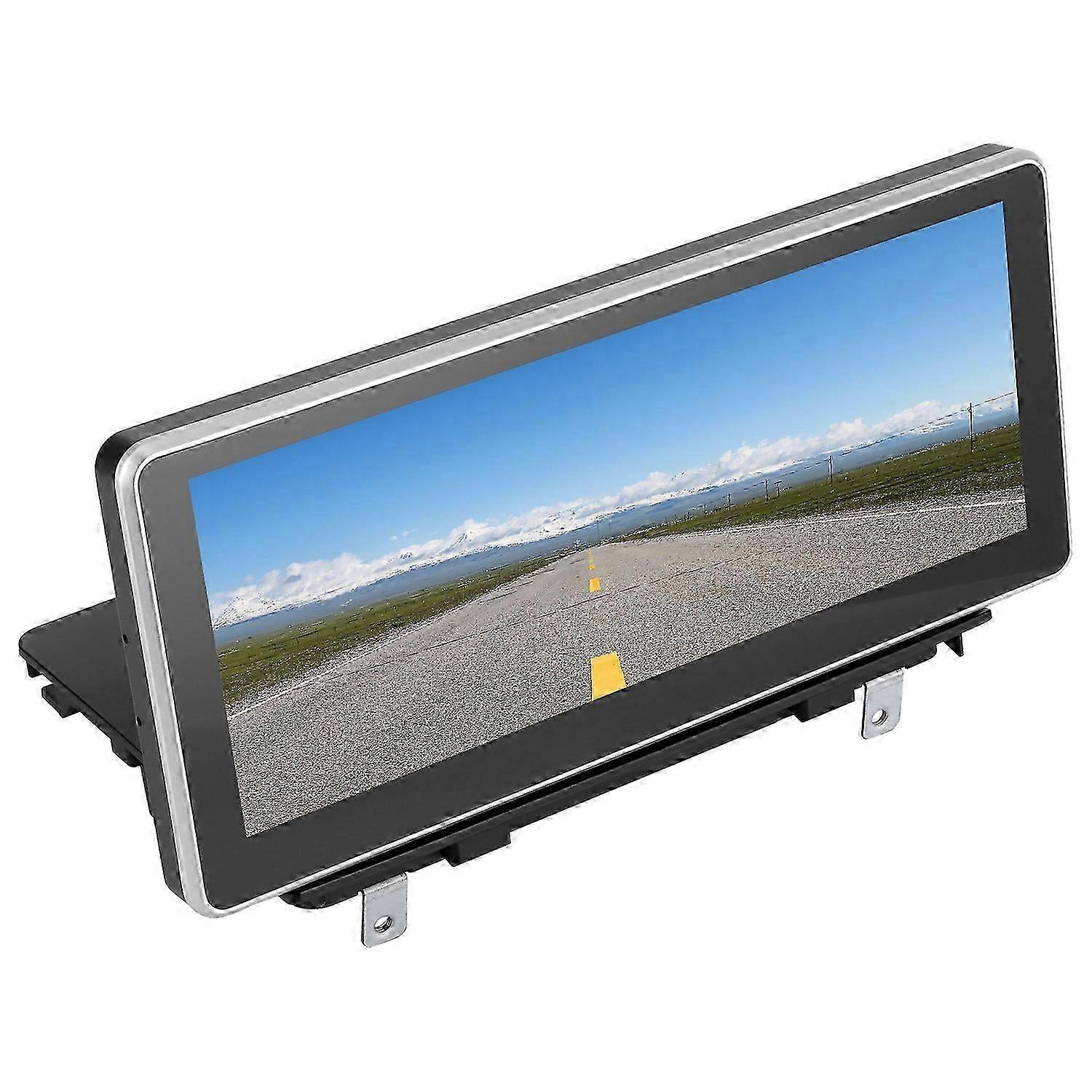
10.25In Car Gps Navigation Bluetooth Multimedia Player For Android 10.0 Fit For A3 2013?2017
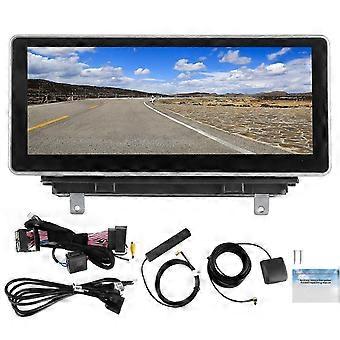
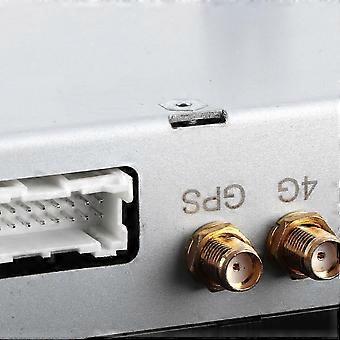
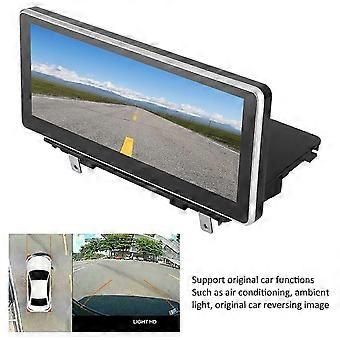
Feature: 1. The large 10.25?inch screen, with a resolution of 1920 x 720, high?definition, which can meet the needs of playing audio and video. 2. Support Bluetooth music, built-in BT, BT phone hands-free call, support synchronized contact list. 3. Support original car functions, such as air conditioning, ambient light, steering wheel function, original car reversing image, etc. 4. Support for iOS Phone (for Carplay) and for Android Phone (for Android Auto) mobile phone interconnection function. 5. Contains wires and necessary installation accessories, which can provide much convenience for your mounting and using. Specification: Item Type: Car GPS Navigation Material: ABS Fitment: Fit for A3 2013?2017Operating System: For Android 10.0 Screen Size: 10.25 inches Screen Resolution: 1920 x 720 Configuration: GPS/BT/USB/wireless for CARPLAY/AHD/DSP Decoding Chip: For Qualcomm MSM8953 Power Amplifier Chip: TDA7388 Mobile Phone Interconnection: For Android two-way/IOS one-way GPS Navigation: Support Radio Band: FM Radio Chip: 8227 Audio Frequency: FM87.5-108m Reversing Image: Support AHD Brake Prompt Function: Yes Steering Wheel Control Function: Yes Bluetooth: Support, version 4.0, support Bluetooth music, Bluetooth phone Output Terminal: 1 channel reversing video input. 1 channel recording video input. USB Interface: Version 2.0, has 2 channel, tail line outputs Play Mode: USB/Bluetooth 4.0 (password: 0000) Supported Image Formats: JPEG, GIF, PNG, BMP Supported Audio Formats: MP3, FLAC, APE, WMA, WAV, AAC, AMR, etc. Supported Video Formats: AVI, ASF, MP4, MOV, MPG, MPEG 1/2/4, VOB, MKV, FLV, TS, WMV, RMVB, 3GP, 1080P, etc. Working Voltage: DC 9-17V How to Use: 1. Loosen the bolts of the center control panel. 2. Remove the trim of the center control panel. 3. Remove the original car's central control panel and disassemble the original car's multimedia host. 4. Organize the GPS antenna of the new navigation host. 5. Check the signal line plug and power cord plug connected to the host. 6. Connect the signal line plug, ACC power plug and GPS antenna of the new navigation host. 7. Power on the vehicle and check whether the new navigation host is working properly. 8. Start the navigation and drive a circle around, check whether the navigation coordinates are offset and whether the GPS positioning is connected. 9. After the road test is completed, please restore the vehicle when there is no problem. . Package List: 1 x Host 1 x Power Cord1 x 4G Antenna1 x GPS2 x Screw1 x USB Adapter Cable1 x Manual
-
Fruugo ID:
364072623-789736491
-
EAN:
8606473946603