描述
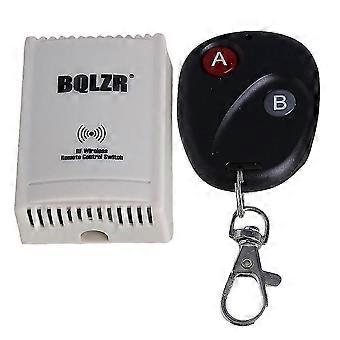
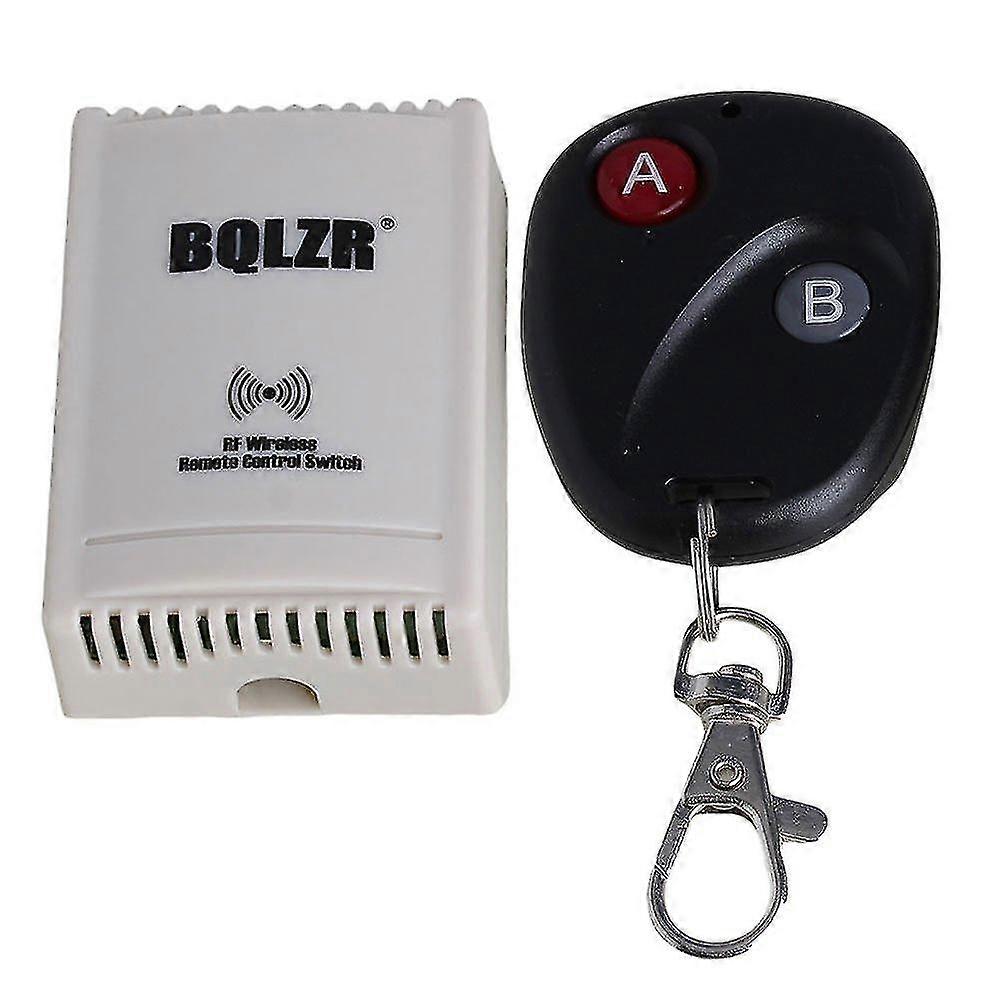
2 Ch 12v 3 In 1 Wireless Remote Control Switch Relay Controller Learning Code
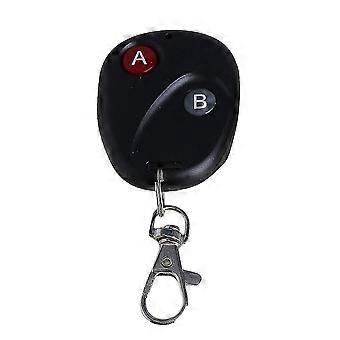
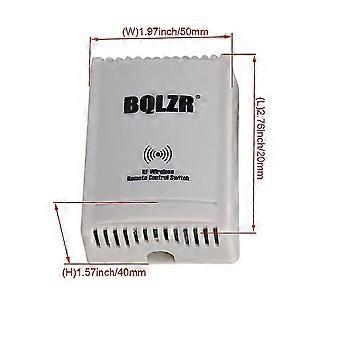
Note: The color of the item may vary slightly due to photography and your own computerSelf-locking type: Output data to achieve the trigger flip state.Each self-locking independent of each other.For example: Press A button, A Relay Work. Press A button again, A Relay Off.12V remote control switches,it is recommended over 500mA DC power supply.Application: for anti-theft alarm, remote control electric windows, signal control, industrial control, lifting equipment, Electrical control circuit, etc.Parameters:Operating Voltage: 12VWorking frequency: 315MHZControl Channel: 2 ChannelContact capacity: 10A/250VAC; 10A/30VDCWork status: Inching/Self-locking/InterlockSupporting remote control: 50 ~ 100m (Open Place) two-button remote controlEncoding type: Learning codeModule size: 73 x 52 x 25mm/2.87 x 2.04 x 0.98 inchWeight: 82gRemote operate battery:23A 12V L1028(not include)Note: due to the battery is embargoed in the air transport, so the battery is not include in the package, thanks for your understanding.Operating Instructions:1. The Factory Default is Inching.Press and hold the button A, the Receiver A (Relay A)turns on; Release the button A, the Receiver A (Relay A) turns off.2. Each transmitter and receiver have been finished linking and factory default mode has been set up. When you receive them, you do not need to link again, you just need to connect the wiring according to our wiring diagram layoutOperation Way of Two modes:1. Inching: Press and hold the button A, the Receiver A (Relay A)turns on; Release the button A, the Receiver A (Relay A) turns off.2. Self-lock: Press the button A, the Receiver A (Relay A) turns on,; Press the button A again, the Receiver A (Relay A) turns off.If you want to change the factory default mode, below is the method:1. Clear:Press and hold the learning button on the receiver board, the tomato light (Signal Light) will turn on and stay on for about 5 seconds, till the tomato light turns off, then release the learning button. It means clearing succeed, previous mode will not work after clearing successfully.2. Choose the Working Mode:Press and hold the learning button on the receiver, the tomato light will turn on and stay on for about 5 seconds, then turn off (Clearing Steps), do not release, still hold the learning button, and then the tomato light will begin to flash, it will flash once, then twice, and finally three times. (1).After the light flashes TWICE, release the learning button, it becomes Self- lock Mode.(2).After the light flashes THREE times, release the learning button, it becomes Inching Mode.3. Link the remote control:(After the Working Mode is chosen, you can start to link the remote control according to the mode you choose)Press the learning button on the receiver until the tomato light turn on, and then release the learning button, the tomato light will stay on. Press one button on the transmitter, the tomato light (Signal Light) on the receiver board will flash, then press the second button, the tomato light (Signal Light) will flash and finally turns off, at this time, it means that the transmitter and receiver finish linking. Then you can press the button on the transmitter, the related receiver will work as the mode you chooseNote:1.When the receive has Single channel, you can only learn one button, just learn and link the button which you want to control.2. When the receiver has Two channels, you need to press the first button, then the second button, it means link successfully.3. When the receiver has More Than Two channels, such as four, six, eight, twelve, sixteen or more channels, if you link one button successfully, the other buttons on the transmitter will link automatically.Attention:1.The receivers in our store are mainly used together with the related transmitter in our company. If you want to use your own transmitter, please confirm if the operating frequency, chip type and vibration resistance of your transmitter are in accordance with ours. If not, they will fail to be linked to. If you want to order the related one,we have unique transmitter as well.2.How to confirm if the operating frequency, chip type and vibration resistance of your transmitter are in accordance with ours?--Connect the receiver board to give power for it,and the power light on the receiver board will turn green,press your transmitter,if the signal light on the board flash tomato light,it means your transmitter is in accordance with our receiver;if the signal light do nothing(not flash) when you press the transmitter,it means your transmitter can not be used for our receiver.Package includes:1 x Transmitter (Battery is not included)1 x Receiver1 x Screwdriver1 x Wire1 x Cable
-
Fruugo ID:
166469760-355092887
-
EAN:
931929636585