描述
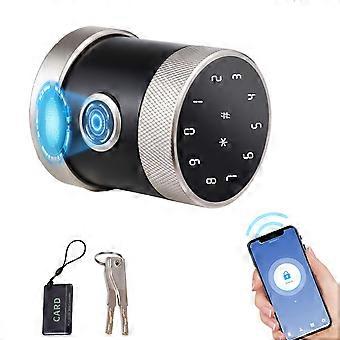
5-in-1 Smart Biometric Door Lock Keypad BT Tuya App 6.8x5.5cm
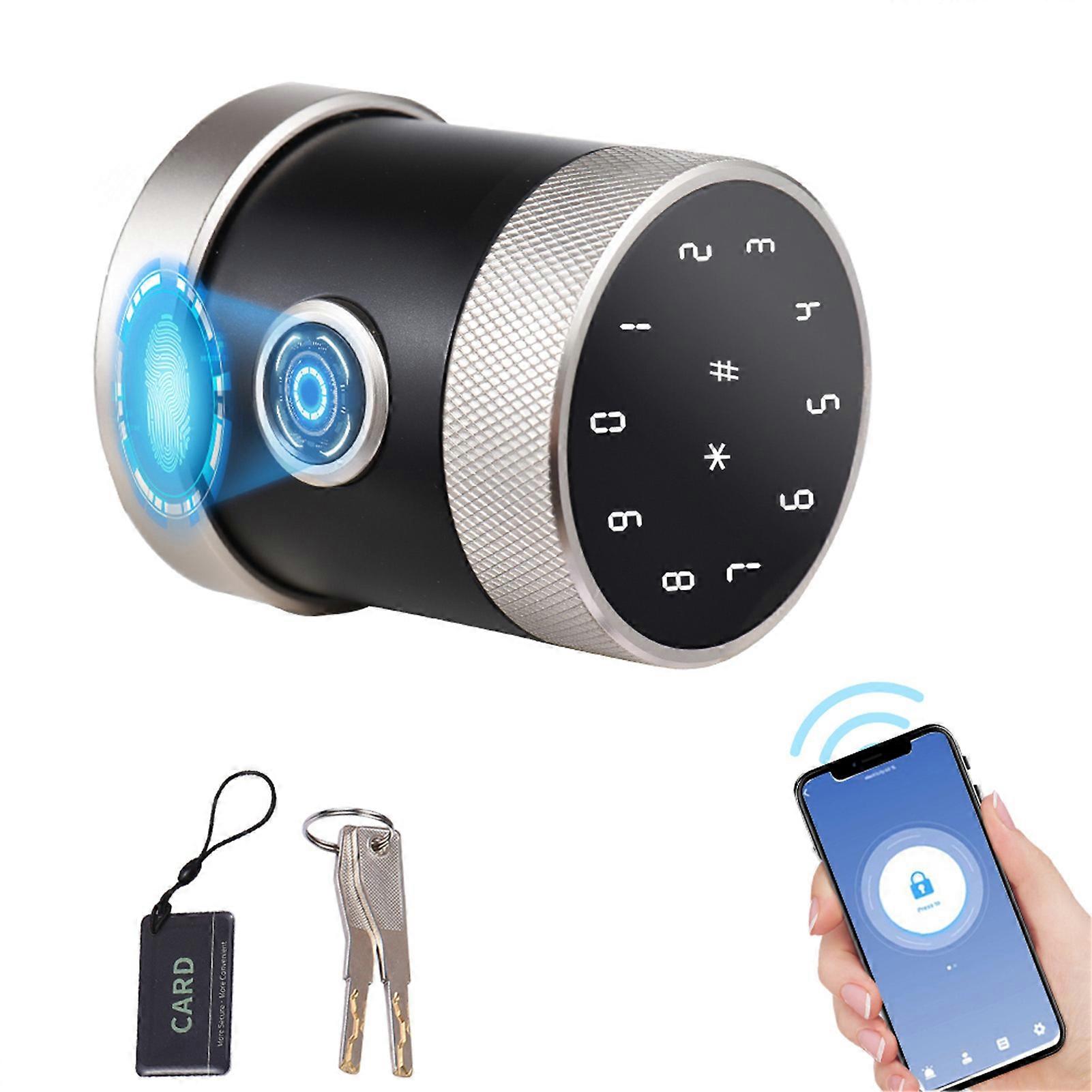
5 in 1 Unlock Smart Door Lock Keyless Entry Biometric Door Knob with Keypad BT for Tuya App Remote Control Password Fingerprint Door Lock with IC Card Mechanical Key for Home Apartment Hotel Office
Specification:
Product material: Aluminum alloy
Product size:
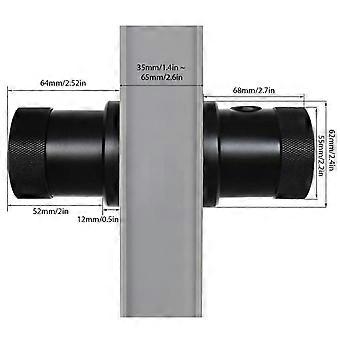
Front handle: 6.8 x 5.5cm / 2.67 x 2.16in
Rear handle: 64mm / 2.51in
Surface process: Anodizing
Fingerprint collection window: Semiconductor biological activity recognition, recognition time less than 0.5 seconds
Fingerprint storage capacity: 100 pieces
Password storage capacity: 50 sets (valid password length 6-10 bits, supporting up to 16 virtual passwords)
IC card storage capacity: 30 pieces
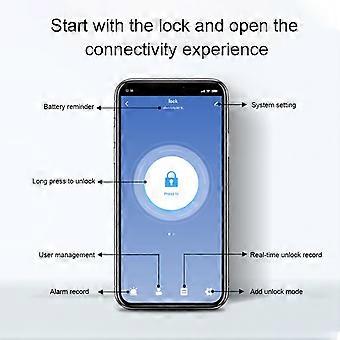
Mobile App: for Tuya Smart (BT)
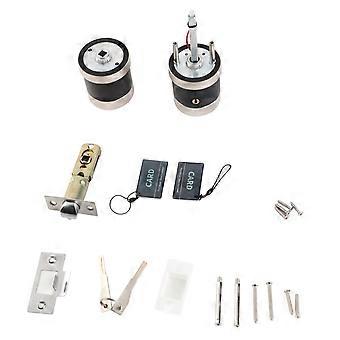
Unlock method: Fingerprint, password, IC card, BT, key, remote temporary password
Fingerprint collection resolution: 500 DPI
Rejection rate: (FRR)<0.1%
False recognition rate: (FRA)<0.001%
Power supply: 4 x 3A battery (not included)
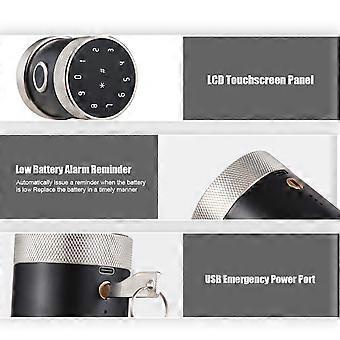
Emergency power supply: 5V USB socket
Battery life: 10 months (lock on/off 10 times per day) or continuously unlock 3000 times
Low voltage alarm: When the battery voltage is lower than 4.8V (it can be used for about 100 times), it will prompt for low voltage every time the door is opened
Working environment temperature: -25 - 65 ℃
Working environment humidity: 20% RG-90% RH
Suitable for door thickness: Standard 35mm-65mm / 1.37 - 2.55in, other sizes require customized accessories
Lock body: 6070 bolt
Scramble code: 15 digits total
Working voltage: 4.8-6.2V
Description:
Add Fingerprint/Temporary Passcode: Click "Member Management", select Member, and then click "Add". Place finger on the recognition area 5 times following the voice prompts. Note: Every time place finger, fine adjust the position of finger to ensure that fingerprint is fully recorded. Select "Temporary Code", and 4 types of passcodes for your choice, "Time Limited", "One-time", "Dynamic" and "Custom".
Passage Mode: Close "Auto Lock", and unlock the lock once, Passage Mode is on. Open "Auto Lock" and unlock the lock once, Passage Mode is off. Note: After Passage Mode is on, anyone can unlock the lock without any permission.
Reset Lock with App: Click " Remove Device", and click "Confirm" to delete and reset the lock from APP. Note: If the lock is offline, you need to slide your finger on the main interface to make the lock online.
Reset Lock with Reset Hole:
1. Take the front handle down, then disassemble it and change the lock by USB interface
2. Press the RET reset hole lightly for 4s with a small object (such as a ballpoint pen), we will hear beep sound every second. Release it when the sound of beeps stops. The system will automatically restore the factory Settings within 5 seconds, and the voice message will indicate that the factory Settings have been restored successfully.
-
Fruugo ID:
410194850-868545712
-
EAN:
4631332137261