描述
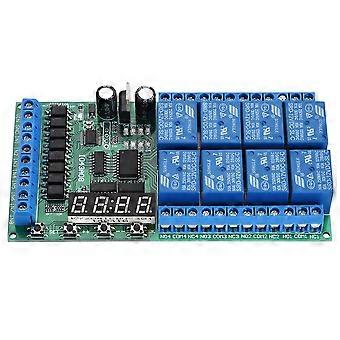
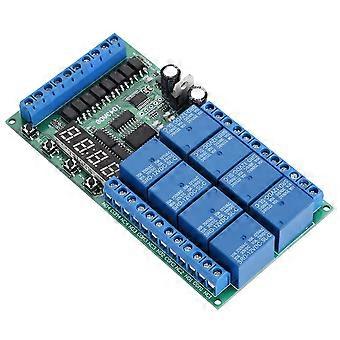
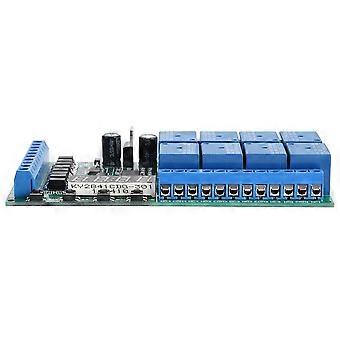
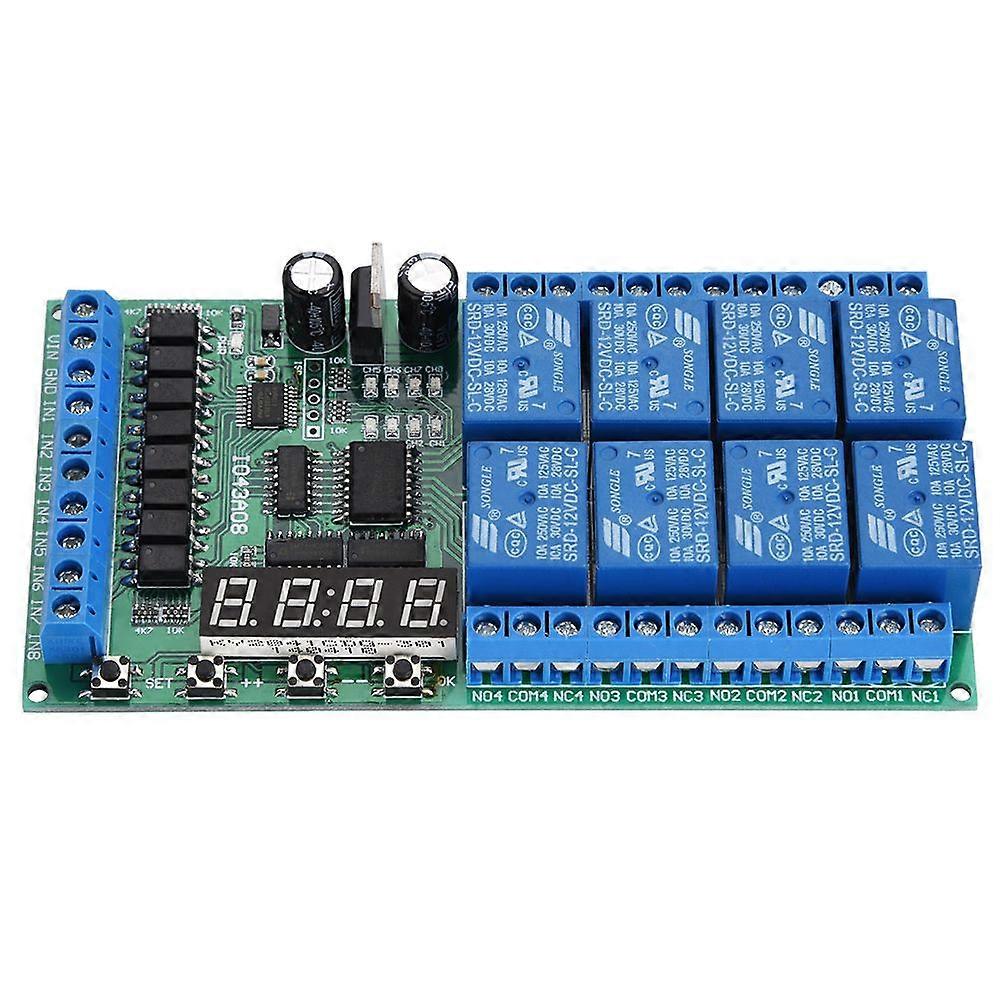
DC 12V 8CH LED Multifunction Digital Delay Time Cycle Timing Relay Switch Module
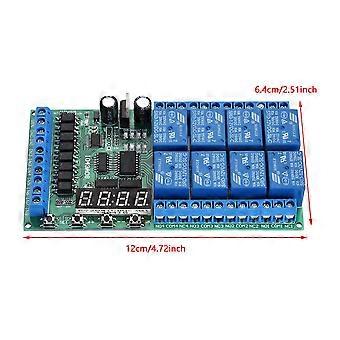
Features:8 channels relay,each channel independently triggered independent delay, do not interfere with each other. 6 kinds of functional modes, each functional module has three sub-modes (no cycle, 2-99 cycle, always cycle). Input optical isolation, Power anti-reverse diode.High Q value SMD electrolytic capacitors, good responsiveness and low attenuation of signals in high frequency circuitsParameter power-down save, relieved in useSpecification:Working voltage: DC 12VMaximum load :10A/250VAC,10A/125VAC,10A /30VDC, 10A/ 28VDC,10A/ 12VDCSize:12*6.4cm/4.7*2.5inWeight: Approx.132g/4.7ozUser Instructions:Short press: press key time is less than 2 seconds; Long press: press key time more than 2 seconds;Status: working status , set status, power-saving status. working status : start work after powering. Displays theremaining time of 1 channel, the parameters can be displayed the "channel select" to set; Set status: short press the "SET" key to enter "channel select" Status. Short press "OK" button to exit the setting; power-saving status: in this Status,digital tubes donot display,and other features work correctly. Long press "OK" button after 5seconds to enter power-saving status, press again "OK" button for 5 seconds or re-power to exit power-saving status. Factory settings: press and hold "++" and "--" two button for 3 seconds, to restore factory settings, and the digital tube will turn open . After re-power , will run default parameters.Settings:1.After power , the remaining time of digital display channel (default channel 1). 2.Press "SET" button to enter "channel select" interface. In the "channel select" screen, then press "++"/"-" button toselect channel to operate (relay). Press "OK" button will exit "channelselect" screen, and save the current parameters. Press "SET" button into "parameter settings" interface. 3. under "parameters" screen press "SET" button you can switch parameters. "++"/"-" Button to modify the parameters. Press the "OK" button to exit the "parameters" screen, and save the current parameters"channel select" interfaceBit1,2Bit3Bit4parameterInstructionsCh-1Channel 1parametersCh-2Channel 2parametersCh-3Channel 3parametersCh-4Channel4parametersCh-5Channel 5parametersCh-6Channel 6parametersCh-7Channel7parametersCh-8Channel8parametersparameter settings" interface:Bit1parameterBit2parameter definitionBit3 Bit4default parameter1-function modeFF0-F5F02-TimeT1: s0-59s43-TimeT1:min0-59min04-TimeT1:hour0-99h05-TimeT2:s0-59s46-TimeT2:min0-59mins07-TimeT2: hour0-99h08-Numbers of cycle Nx0-991Timer T1 T2 time minimum unit is second, so the timing range of T1 T2 is 99 hours 59 minutes 59 seconds. The number of cycles(Nx) is the number of cycles to perform an action triggered once(Nx = 00 indicates always cycle, Nx = 01means no cycle).So you can set Number of cycles is: 1-99 times or always cycle.Noun resolved: NO : Relay normally open contactCOM : Relay common contactNC : Relay normally closed contactRelay open :COM connect NO.Relay close: COM disconnect NO. Function Mode:The following Function Modes can be set to cycle mode operation.You can set Number of cycles (Nx 1~99 times,00 is always cycle, the default is 01 not cycle). F0: After power-up, the relay close. Trigger input (IN1/2/3/4), relay open. T1 time delay close. F1: After power-up, the relay open. Trigger input , relay close. T1 time delay open.F2: After power-up, the relay close. Trigger input ,delay time T1 and relay open. T2 time delay relay close . F3: After power-up, the relay open.Trigger input , delay time T1 and relay close. T2 time delay relay open . F4: After power-up, the relay close. After the delaytime T1 and relay open. T2 time delay relay close.F5: After power-up,the relay open. After the delay time T1 and relay close . T2 time delay relay open.Package list:1 x Multifunction Time Relay
-
Fruugo ID:
416522478-878883460
-
EAN:
7540131606922