Description
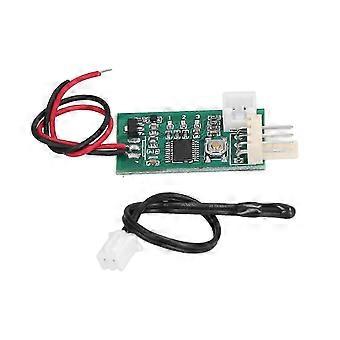
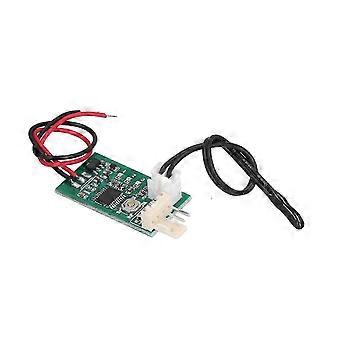
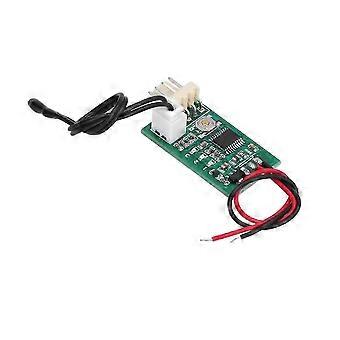
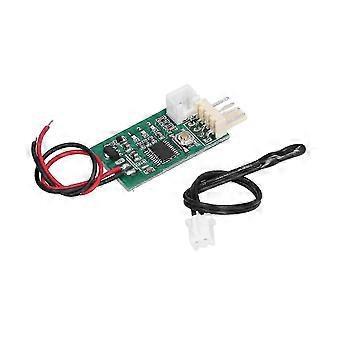
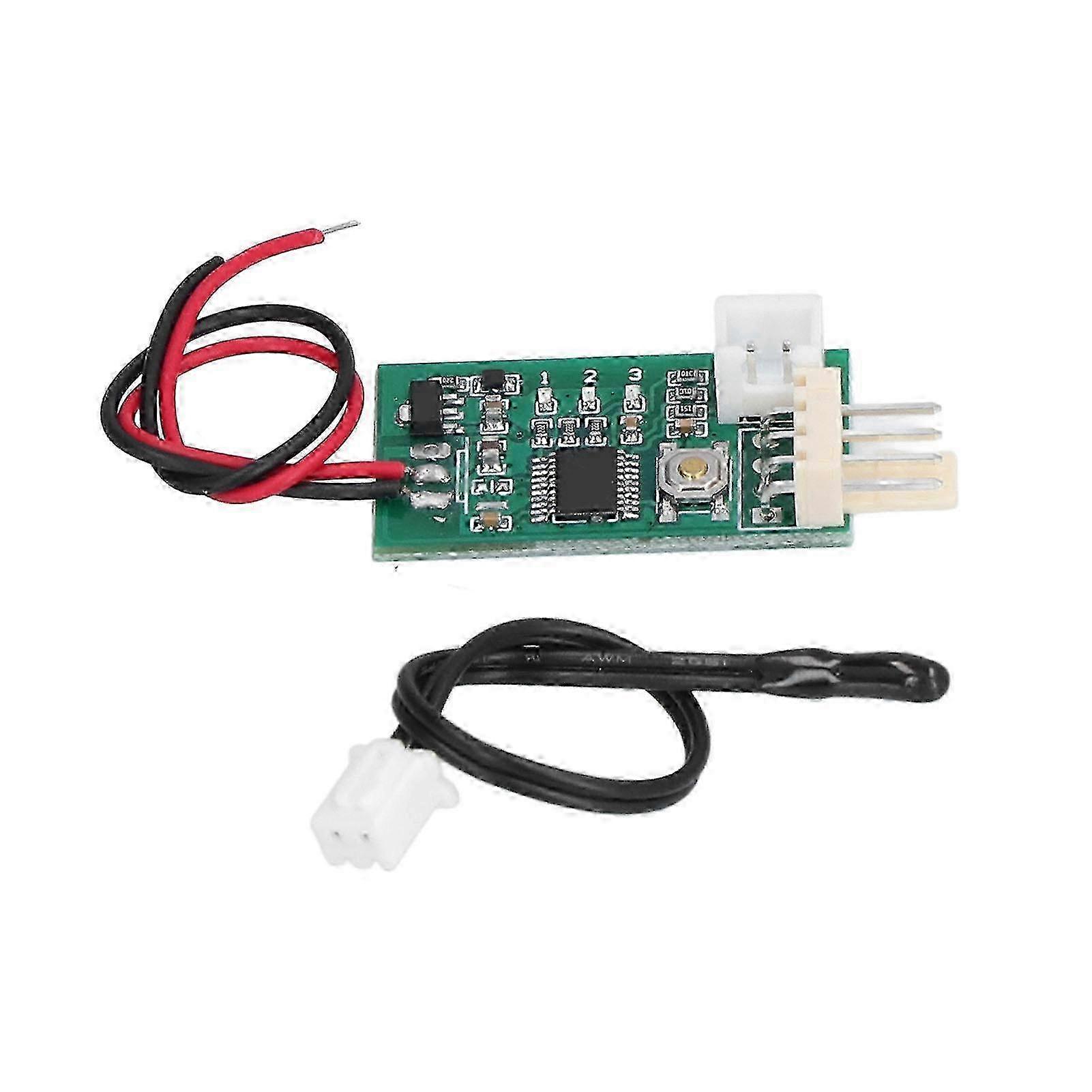
Fan Temperature Controller - Manual & Automatic DC 12V PWM Speed Controller for Seconds Response Time
Item Type: Fan Temperature Controller
Material: Plastic
Working Voltage: DC12V Can Work in the Range of 8-18V, Please Pay Attention to the Fan Withstand Voltage
Current Consumption: No More Than 20mA
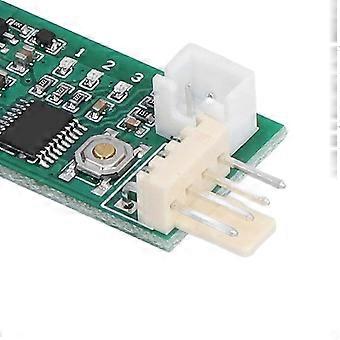
Fan Interface: 2510-4P Lacks 1 Elbow (Special Interface for Computer 4P Fan)
Fan Current: the Interface Can Withstand 3A, if You Need to Control a Larger Current Fan, Please Take the Fan Power Cord Separately
PWM Output Range: 10 percent -100
Working Temperature: -10 to 60
Temperature Probe Parameters: NTC 50K B=3950
Probe Temperature Resistance: 120 for Small Black Head, 110 for Ring Probe
Board Size: Approx. 34 x 19 x 11mm or 1.34 x 0.75 x 0.43in (Excluding the Extended Interface), the Fan Interface Extends 8mm
Factory Default Values of the Setting Parameters: Low Speed 20 percent , Acceleration Temperature 30c, Acceleration Width 5c. Under This Temperature Setting, Hold the Thermal Probe with the Palm of Your Hand and It Will Accelerate After a While, and the Probe Will Get Full Speed within 2 Minutes if It is Clamped into the Armpit.
It Integrates Manual Speed Regulation and Automatic Temperature Control and Speed Regulation Function:
1. Manual Control Without Temperature Probe. Click or Double click (double click Speed Not Too Fast) Button Up or Down Gear. Each Shift Continues After 20 Seconds, and the Gear is Automatically Stored. the No. 2 Indicator Flashes Rapidly in 20 Seconds (when the Temperature Control is Invalid). when the Flash is Stopped, It Indicates That the File Has Been Stored. the 3 or 1 Indicator Light is Always on when You Can Not Continue to Increase or Not Continue to Reduce the Position.
2. when the Temperature Probe is Installed, the Manual Speed is Used As the Initial Low Speed (bottom Line Speed). when the Temperature Exceeds the Accelerating Temperature, the Fan Speed Accelerates Smoothly with the Increase of Temperature. when the Temperature Reaches and Exceeds the Sum of the Acceleration Temperature and the Acceleration Width (full Speed Temperature), the Fan Runs at Full Speed.
Normal Operation: Click the Button Bottom Line Output Increased by 5 percent . Double Click the Bottom Line to Reduce Output by 5 percent . After Changing the Value, Run for 20 Seconds. Automatically Save the Parameters Until the Intermediate Indicator Stops Flashing. Enter the Temperature Control Setting by Long Press Button.
Temperature Setting State:
Speed Setting (slow Flash), Click and Double click to Set Up the Value, and then Enter the Acceleration Width Setting by Long Press.
Acceleration Width Setting (flash), Click and Double click to Change the Value, then Long Press to Save and Exit the Temperature Settings.
Note: If You Do Not Operate in the Set State for 20 Seconds, then Automatically Exit the Settings, Do Not Save Parameters.
Example Instruction:
Bottom Line 20 percent , Acceleration Temperature 35, Acceleration Width 15.
When the Probe Temperature is Lower Than 35 Degrees Centigrade, the Output Signal is Always 20 percent . when the Probe Temperature is Higher Than 35 Degrees, the Controller Can Increase the Output Signal Smoothly According to the Temperature Rise, and the Fan Accelerates. when the Probe Temperature Reaches or Exceeds 50 (35and15), the Controller Outputs the Full Speed Signal and the Fan Runs at Full Speed. According to the Specific Performance of the Fan, the Actual Speed of the Fan Will Be Somewhat Different.
The Controller Has Supported the Control of the Reverse Timing Fan. Specific Setting Method:
First, Power off and Remove the Fan. Press the Set Button to Electrify the Controller. Keep the
Settings Button Always Hold (about 3 Seconds) Until the Three Lights Turn into Double Flash State and then Release the Button.
The Indicator Lamp Turns into a Single Light, Which Represents the Entry Mode Setting State.
The Controller is Divided into Three Kinds of Working Modes, Corresponding to 1, 2, 3
Indicator Light Double Flashing, Through Short Press Button Switch, Set the Long, Press the Button to Save and Exit the Set Mode and Automatically Back to Normal Working State. the Three Working Modes Are As Follows:
1. Conventional Pwm Fan Control Mode (default Mode). This Mode is Used for the Four Wire
Fan Control of the Standard for Intel Specification.
2. Conventional Reverse Sequence Pwm Fan Control Mode. This Mode is Used in Most
Reverse Timing Four Wire Fan Control. when the Fan is in Normal Mode Control, the Speed
Change is Opposite, and the Control Line is Connected to the Negative Pole at Full Speed.
3. Reverse Sequence Fan 80 percent Control Mode. This Mode is Used in a Very Rare Type of
Reverse Timing Fan. when the Fan is in Conventional Mode Control, the Speed Change
Note: Due to the light and screen setting difference, the item's color may be slightly different from the pictures. Please allow slight dimension difference due to different manual measurement.
-
Fruugo ID:
433631052-910272746
-
EAN:
7846361875610