描述
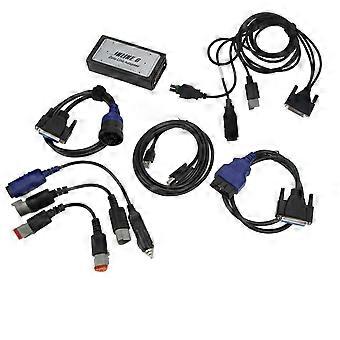
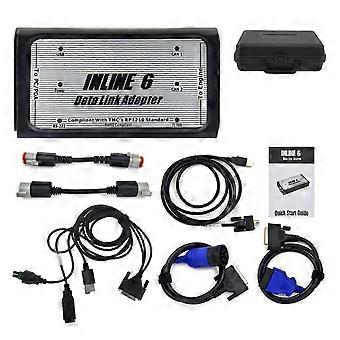
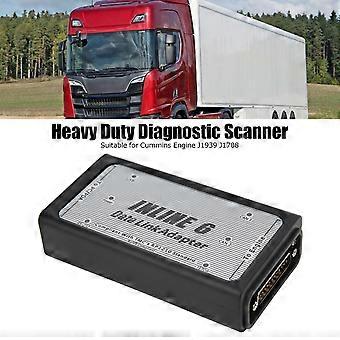
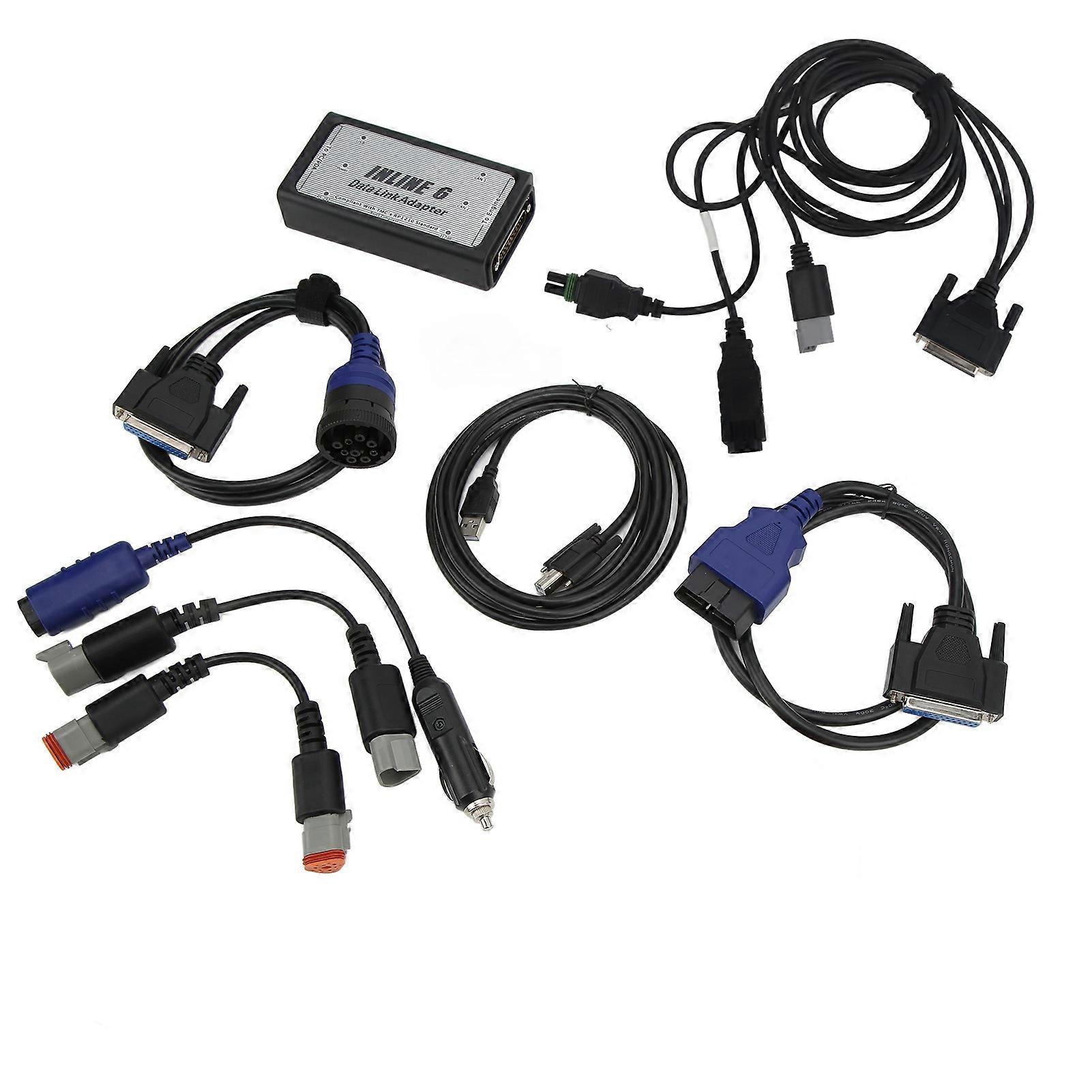
For INLINE 6 Data Link Adapter Kit Heavy Duty Diagnostic OBD2 Scanner for Cummins Engine J1939 J1708
For INLINE 6 Data Link Adapter Kit Heavy Duty Diagnostic OBD2 Scanner for Cummins Engine J1939 J1708
Item Type: Datalink Adapter Kit
Material: ABS + Aluminium
Support Language: English, Hungarian, Polish, Czech, Indonesian, Portuguese, German, Italian, Romanian, Danish, Japanese, Russian, Greek, Korean, Swedish, Spanish, Netherlands, Turkish, Finnish, Norwegian, Chinese
Characteristic:
1. Supports SAE J1708 J1587 and J1939 CAN data links
2. Both CAN ports auto detect between 250 and 500 kbps
3. Supports USB full speed port at up to 2M baud rate
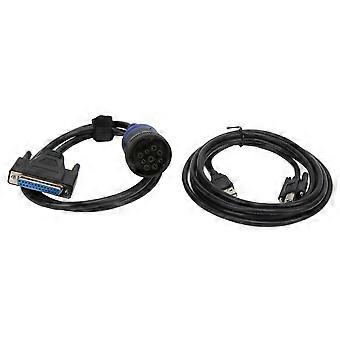
4. Custom USB cable includes thumbscrews for secure mounting to for INLINE 6
5. Supports RS 232 PC serial port at up to 115.2k baud rate
6. Is fully compliant with TMC's RP1210 standard
7. Small enough to fit in pocket
8. Attractive black powder coated aluminum housing provides ruggedness
9. Derives 8 V to 50 V DC power from vehicle
10. Controlled by advanced 140 MHz 32 bit processor for maximum speed and performance
11. Includes 6 LEDs to indicate status of power, USB, RS 232, J1708 J1587, and two CAN communication ports
12. Both CAN ports support SAE J1939, SAE J2534, and ISO 15765 protocols
13. Certified to meet European CE requirements
14. Rated for -40℃ to +85℃ operating temperature
15. Meets rigorous in cab environmental test requirements
Quick Start Guide Introduction:
The adapter is a highly reliable datalink adapter that can be used on a wide range of applications to communicate with vehicle systems via SAE J1708/J1587 and SAE J1939 protocols. Please note that the for INLINE 6 is designed to be used with RP1210 compliant software.
Minimum System Requirements
Microprocessor – for Intel Pentium 500 MHz
Memory – 2 GB CD Drive
Operating System – Support for Windows 7, Vista, & XP SP3
To Install the for INLINE 6 Software Driver
Insert the driver CD into your computer’s CD ROM drive.
Run for INLINE6_Driver_Setup.exe
If a for Windows Explorer folder opens, select for INLINE6_Driver_Setup.exe
Note that on some systems the autorun settings may be set to have the installation to just begin executing upon CD insertion.
IF YOU SEE: For WINDOWS XP, A message appear stating The software you are installing has not passed for Windows Logo…, Click Continue Anyway. Click Finish when installation is complete.
Using Your for INLINE 6: e the for INLINE 6, you must select it from within the application you areusing. Each application has a unique method for selecting datalink adapters. Please refer to the application’s documentation for instructions on selecting RP1210 compliant adapters.
To Uninstall the for INLINE 6 Software Driver:
1. For WINDOWS XP. To remove the for Cummins for INLINE 6 driver, click the Start button on the for Windows task bar, and then navigate to Control Panel. Navigate to Add or Remove Programs, Click on the entry for Cummins for Inline 6.Click the Remove button. This will start the uninstall process. Wait until the uninstall process has completed before proceeding.
2. For WINDOWS VISTA, for WINDOWS 7. To remove the for Cummins for INLINE 6 driver,click the Start button on the for Windows task bar, and then navigate to Control Panel. Navigate to Programs Features Click the entry for Cummins for Inline 6, Click Uninstall at the top of the Programs Features window. This will start the uninstall process. Wait until the uninstall process has completed before proceeding.
-
Fruugo ID:
396425696-846413466
-
EAN:
8421316050268