描述
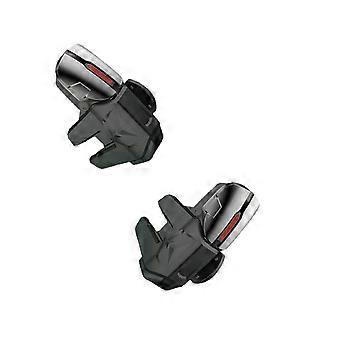
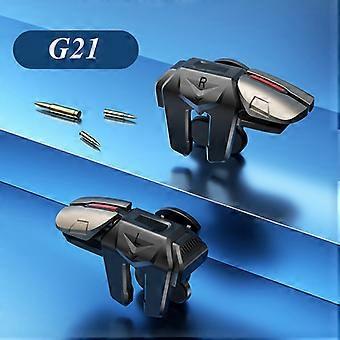
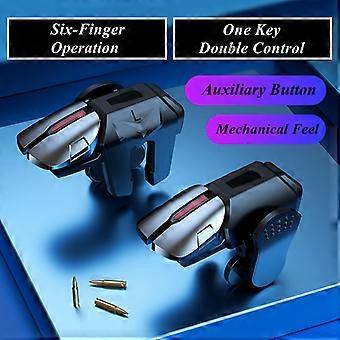
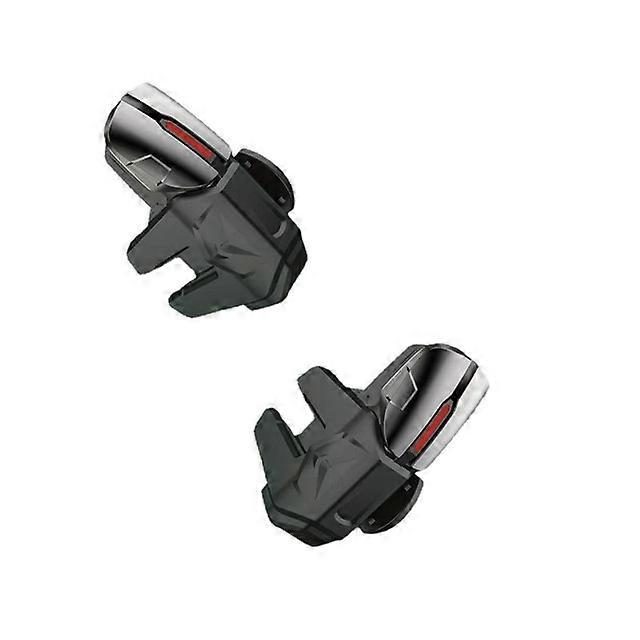
G21 Mobile Phone Game Trigger for PUBG Gaming Controller Aim Shooting L1 R1 Alloy Key Button for IPhone Android Gamepad Joystick
G21 Mobile Phone Game Trigger for PUBG Gaming Controller Aim Shooting L1 R1 Alloy Key Button for IPhone Android Gamepad JoystickDescription:
The handlet is a stretchable, reversible front key posture handle, fireproof, no lag, feels very comfortable and ergonomic designed.
The landline mobile phone of this product is reliable, and it protects your mobile phone well. The top and bottom positions of the mobile phone and the stressed position are provided with soft EVA and silicone in many places.
Plug and play game triggerUsers only need to press with their fingers to fit the touch point of game trigger perfectly on the mobile phone screen, then the game can start immediately.
To better simulate the human finger's touch data as to achieve the minimum latency, we mapping was applied to the game trigger.
Your Best Partner for All Battlefields.
Specifications:
Product Specifications:
Product name: Game trigger
Adapted to mobile phone: width less than 1.1cm
Product material: PC
Colour: Black
Key position: 4 output heads
Adapted games: all shooting games
Product weight: 26g
Note:
Some mobile phones are disconnected or delayed
01. Press the left thumb or right thumb on the screen and then press to shoot
02. Turn off the screen of the phone for 10 seconds and turn it on
03. Put on the G21 can be used normally after 20 seconds
Package Included:
2 Pcs Game trigger
Product Show:
-
品牌:
Unbranded
-
类别:
游戏手柄
-
颜色:
G21
-
Fruugo ID:
210463296-448623046
产品安全信息
请参阅下面列出的特定于该产品的产品安全信息
以下信息由销售该产品的独立第三方零售商提供。
产品安全标签

安全警告:
important Safety Instructions Read Before Use: Please read all instructions and safety warnings before using this product. Failure to follow these guidelines may result in injury, damage, or malfunction. General Warnings Intended Use: Use this product only for its intended purpose as described in the user manual. Supervision Required: This product is not intended for use by children or persons with reduced physical, sensory, or mental capabilities without supervision. Inspection Before Use: Check for any signs of damage or wear before use. Do not use if damaged. Usage Precautions Environment: Do not use in wet, damp, or flammable environments unless specified as safe for such conditions. Proper Operation: Follow all operating instructions carefully. Avoid improper handling or misuse. Power Source: Use only the recommended power supply or batteries. Do not exceed specified voltage or current ratings. Maintenance and Care Cleaning: Disconnect from power before cleaning. Use only manufacturer-recommended cleaning methods and solutions. Storage: Store in a cool, dry place away from direct sunlight and extreme temperatures. Repairs: Do not attempt to disassemble or repair the product. Contact authorized service personnel for assistance. Specific Warnings Avoid Hazards: Keep the product away from sharp objects, water, and heat sources. In Case of Malfunction: If the product malfunctions or exhibits unusual behavior, discontinue use immediately and contact customer support. Disposal Instructions Recycling: Dispose of the product in accordance with local electronic waste disposal and recycling guidelines. Battery Disposal: Follow specific regulations for the safe disposal of batteries if included.