描述
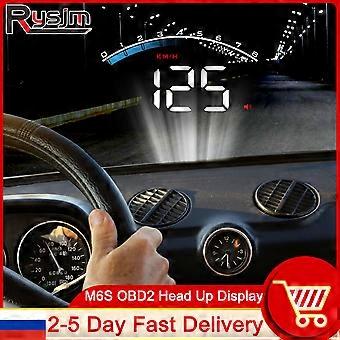
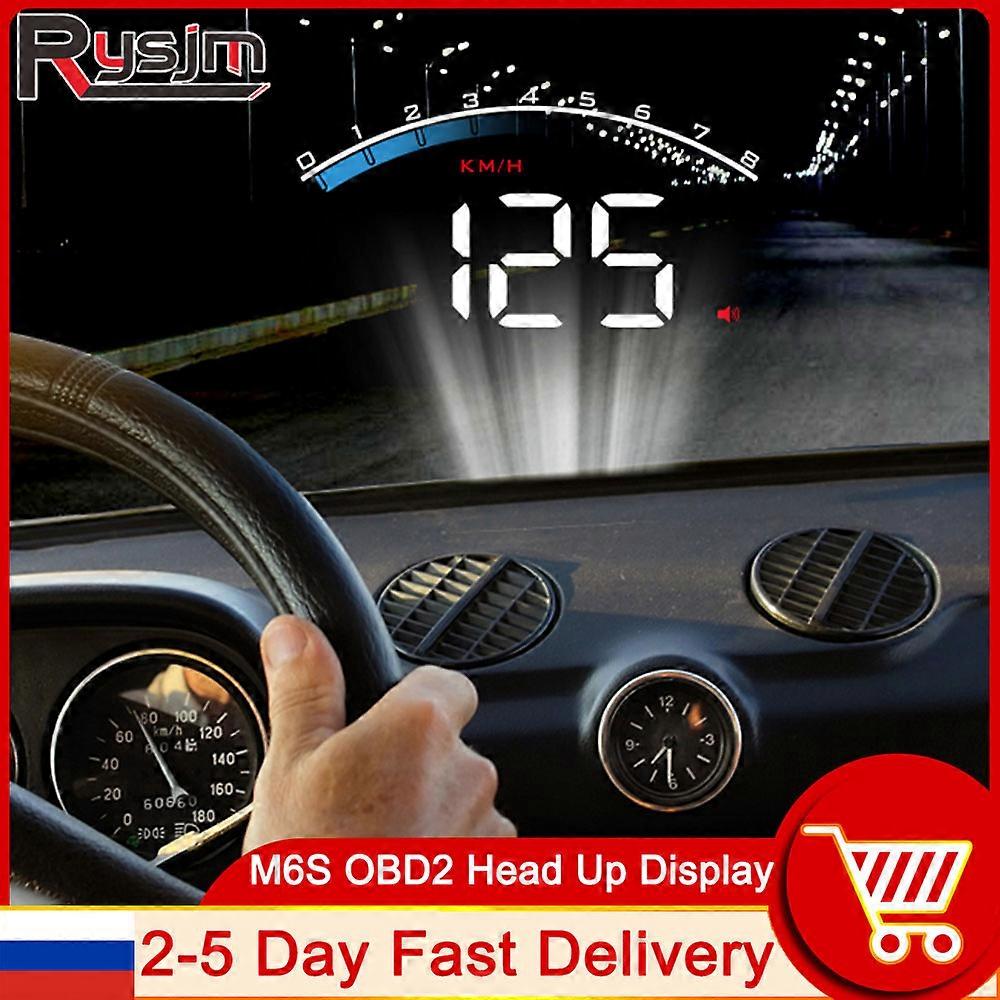
HD M6S HUD Car Head Up Display OBD2 Overspeed Security Alarm Windshield Projector Display Car Auto Electronics Accessories KM/h
M6S HUD Car Head Up Display Auto Electronics KM/h MPH OBD Overspeed Security Alarm Windshield Projector Display Car RPM Meter
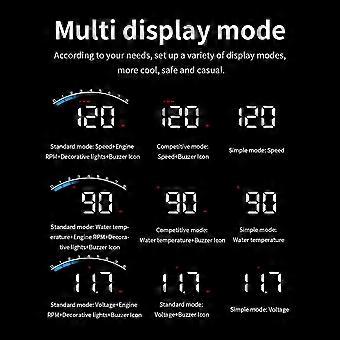
Features:1. Decoration light
2. Engine speed
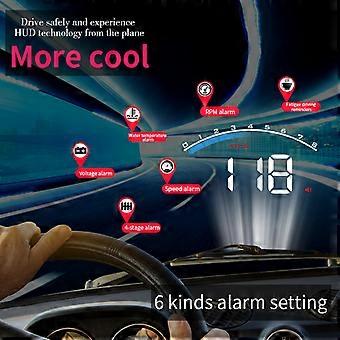
3. Fault code alarm icon /Water temperature alarm icon /voltage alarm icon/Fatigue driving reminder icon
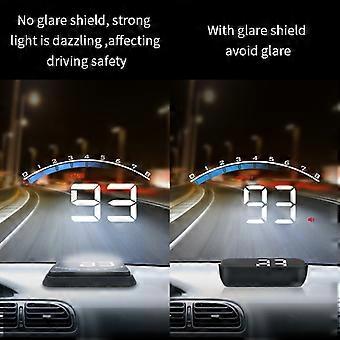
4. Light sensor
5. Unit for multi-function: -degrees Celsius, KM/H-kilometer per hour, V-voltage ,MPH-mile per hour, -Fahrenheit6.Multi-function switch zone: vehicle speed / voltage /water temperature /when car power off, this place can show single driving distance
7. Set icons and buzzer iconsOBD Troubleshooting:1.The screen without any display, and no power
Please do these operations:If OBD cable is tight enough,pull the OBD cable down several timesTry another car to testPlease maintain the OBD interface if it is damaged.2.When HUD power on, HUD only shows the voltage and be automatic power off after 30 seconds driving.
HUD just available for cars with OBD2 and EU-OBD agreement(European:manufactured after 2003, Other region: after 2007)
HUD Products dont support JOBD and OBDI, It is recommended to change the trolley test.3.Wrong operation lead to crashesIf your car equip with other OBD devices or If your car had been modified will cause a crash,unplug other OBD devices and do the factory settings (more details please refer to the menu table)4.Inaccurate Speed Please check if the speed unit is correct,the default is KM(speed unit switching reference setting item)
After the power is turned on normally, press the dial button for 2 seconds to enter the system setting. Push right to adjust the speed adjustment and fine-tune it.
(If the dashboard displays 100 Km/h, HUD displays 105Km/h, adjust the default from 107 to 102)5.HUD turn off when step on the brakes, wait for the traffic lights or automatical start and stop the car.
For Start-stop car, when it been braked, the engine will stop running,then HUD will turn off. Please find menu 13, adjust the default to 180 ( means 180 seconds)6.HUD can not auto power off(RPM or Speed not at 0)
When HUD is power on,long press in the button for 5 seconds to enter into menu,set to menu 12. Change the voltage from 0 to 13.2V or 13.5V. Once the adjustment finished,long press in the setting button for 5 seconds to save and exit.7.After HUD power off, restartFind menu 12, adjust the default voltage to 13.6-13.8 VAuto-match models, plug and play
According to OBD or EUOBD,( the on-board auto-matic diagnosis system) plug and play.- Judgment method:
Open and find the sticker under the hood.
lf OBD2 CERTIFILE can be installed (as shown in Figure 1)Or check whether there is an automobile diagnosis port under the steering wheel (as shown in figure 2)
(u.s. cars can be used after 2003 and most other cars after 2007.)
Technical Parameters1.Environment temperature:-40C +80C Barometric press: 86-106KPa
2.Relative humidity:10%-95% Environment voice:=60dB
3.Work voltage:11V~18Vdc(12Vdc/200mA)
4.Standby current: 20mA
5.Display channel : LED DisplayPackage Included:1 x Head Up Display
About Q&AQ:Are the product photos real?
A:Yes,All the photos displayed are 100% real.and photos are all taken by ourself.But maybe there are some color shading because of monitors.
Q:How do I pay for my purchase?
A:we accept the following
-
Fruugo ID:
200058452-425907461
-
EAN:
970907633383
产品安全信息
请参阅下面列出的特定于该产品的产品安全信息
以下信息由销售该产品的独立第三方零售商提供。
产品安全标签

安全警告:
important Safety Instructions Read Before Use: Please read all instructions and safety warnings before using this product. Failure to follow these guidelines may result in injury, damage, or malfunction. General Warnings Intended Use: Use this product only for its intended purpose as described in the user manual. Supervision Required: This product is not intended for use by children or persons with reduced physical, sensory, or mental capabilities without supervision. Inspection Before Use: Check for any signs of damage or wear before use. Do not use if damaged. Usage Precautions Environment: Do not use in wet, damp, or flammable environments unless specified as safe for such conditions. Proper Operation: Follow all operating instructions carefully. Avoid improper handling or misuse. Power Source: Use only the recommended power supply or batteries. Do not exceed specified voltage or current ratings. Maintenance and Care Cleaning: Disconnect from power before cleaning. Use only manufacturer-recommended cleaning methods and solutions. Storage: Store in a cool, dry place away from direct sunlight and extreme temperatures. Repairs: Do not attempt to disassemble or repair the product. Contact authorized service personnel for assistance. Specific Warnings Avoid Hazards: Keep the product away from sharp objects, water, and heat sources. In Case of Malfunction: If the product malfunctions or exhibits unusual behavior, discontinue use immediately and contact customer support. Disposal Instructions Recycling: Dispose of the product in accordance with local electronic waste disposal and recycling guidelines. Battery Disposal: Follow specific regulations for the safe disposal of batteries if included.