描述
Head Up Display D5000 HUD Display Car HUD D5000 OBD OBD2 Projector Digital Speedometer Head Up Display Car Speed Security Alarm
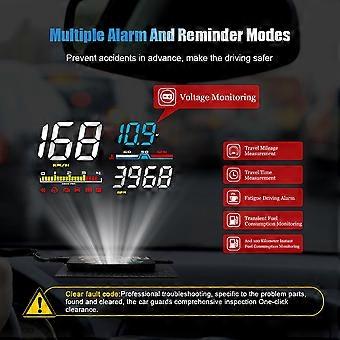
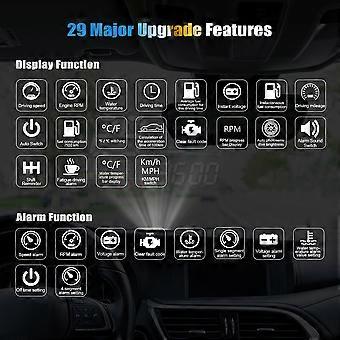
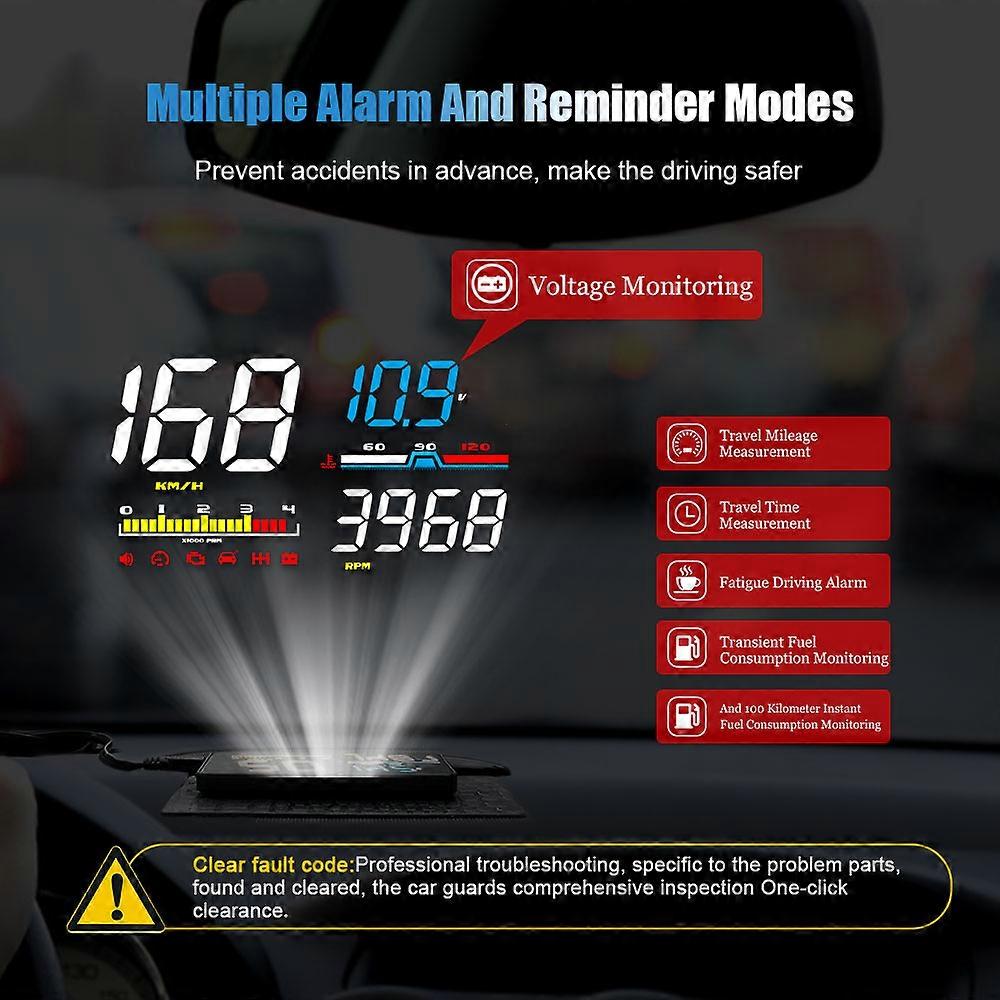
Head Up Display D5000 HUD Display Car HUD D5000 OBD OBD2 Projector Digital Speedometer Head Up Display Car Speed Security Alarm Car Head Up DisplayD5000 IntroductionHUD short for Head Up Display. It displays driving datas on the front windshield such as speed, RPM, fuel consumption, water temperature, voltage etc on the car front window glass; avoiding drivers unsafety because of watching the instrument while driving. Drivers can read the driving information instantly, and can always keep the best state on the way with HUD
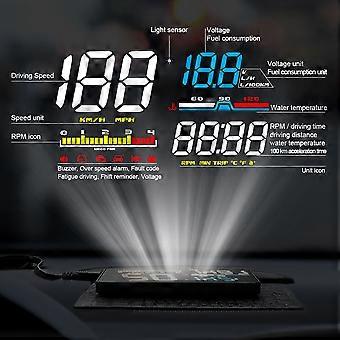
HUD Display functions 1 Driving Speed2 Light sensor: Automatically adjust the brightness according to the environment3 Multi-Functions area 1: battery voltage, Instantaneous fuel consumption,100 km instantaneous fuel consumption4 Water temperature icon5 Unit icon: V=voltage, L/H=(Liter/Hour), L/100KM=100 km instantaneous fuel consumption6 Power button7 Setting button8 USB port9 Unit icon: RPM=Engine speed, MIN=single driving time, TRIP=single driving distance,=Celsius, °F=Fahrenheit, a+=100 km acceleration time10 Multi-Functions area 2: Engine Speed, single driving time, single driving distance, water temperature,100 km acceleration time11 The icon shows: buzzer, over speed alarm, fault code, fatigue driving, shift reminder, voltage12 RPM icon13 Speed unit: KM/H and MPH
HUD installation1.Know your vehicle brand, HUD work for cars with OBDII agreement or EU OBD agreement. Open the engine hood and find the sticker below it (see the below picture 1), if it has words like OBDII CERTIFIED, then it can be installed.
2. Find out the 16 pin diagnostic link (see the below picture 2) of the vehicle and connect it well with OBDII connecting line.
Methods of pasting the film1.Spray some water on the place that the film will be pasted on, and then use a dry cloth to clean it;2.Take off the back sidemarked 1) of reflection film, then paste it to the window glass.3.After you have adjusted the location, you can use a scratch board or something else flat to slick the film and squeeze the water inside out until there is no bubble or water in it.4.Take off the protection film (marked 2) of the reflection film. If the film cannot display the whole information, please adjust the non-slip mat to move the position.
Setting button functions: When the setting button in the left 1 Short pull up(1) switch the multi functions area 1: battery voltage/Instantaneous fuel consumption/100 km instantaneous fuel consumption(2) after entering into the setting menu, to add the default value
2Short pull down(1) switch the multi functions area 2: Engine Speed/single driving time/single driving distance/water temperature/100 km acceleration time(2) after entering into the setting menu, to decrease the default value
3 Short press in(1) switch the display mode (normal model/high speed mode/simple mode)(2) after entering into the setting menu, to add the menu
4 Long pull down
: turn off/on the buzzer, long pull down 5s to turn off the buzzer, do it again to turn on the buzzer.
5 Long pull up
: all lights will be on, to eliminate the fault code, do it again to save and exit
6 Long press in(1)to enter into the setting menu(2)when finish the adjustment, long press in the button to save and exit
Factory resetWhen the HUD turns off, long press-in the wave button and at the same time turn on the HUD, all the lights will be on, and then release the button, that’s factory reset.
Or find menu 15, adjust the default from 0 to 1, 1 means finish the factory reset, then long press in 5s to save and exit.
HUD settingvertical long press in the setting button for 5s to enter the menu setting, vertical short press to increase the menu option, up and down the setting button to increase or decrease the parameter default value. After adjustment, vertical long press 5 seconds to save and exit. Enter into the setting menu menu Function Adjust range Description Default value Setting picture 1
Speed 50-150 If HUD speed is different with dashboard, it can be adjusted 107 2
Fuel Consumption 50-150 If HUD fuel is different with dashboard, it can be adjusted 100 3
RPM alarm 10-75 RPM alarm will work when it reaches 7500,75 means 7500r 75 4
Shift reminder 10-75 Shift reminder will work when it reaches 7500,75 means 7500r 75 5
4-stage alarm 0-1 0=alarm off 1=alarm on(HUD will give alarms when speed at 60,80,100,120) 0 6
Single over speed alarm 30-199 When the vehicle speed reaches 150,alarm will be available 150 7
Brightness adjust 0-5 0 =automatic brightness, 1=darkest, 5=brightest 0 8
Water temperature alarm 50-150 Water temperature alarm will on when it higher than 120°C 120 9
Voltage alarm 0-15.0 Voltage alarm turns on when it
-
Fruugo ID:
200058582-425907610
-
EAN:
970907636100