描述
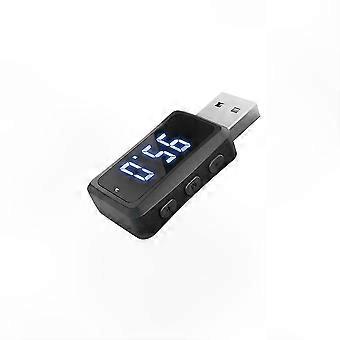
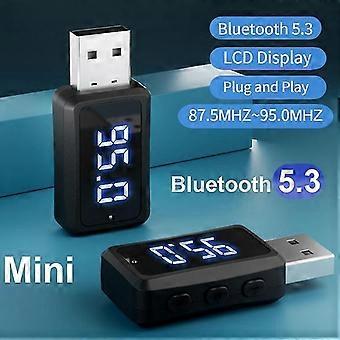
Mini USB Bluetooth 5.3 FM Transmitter for Car, LED Display, Adjustable Frequency, Hands-Free Calling, o Receiver for Auto Radio
Product specification:
● Product name: USB Bluetooth FM transmitter
● Product model: FM02
● Bluetooth version: V5.3
● Working voltage: 5V
● Operating range: within 10 meters
● o output: FM transmitter
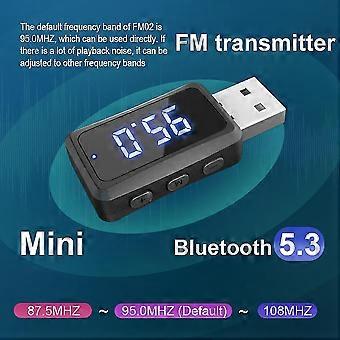
● FM frequency range: 87.5MHz–108MHz
● Default frequency: 95.0MHz
● Signal-to-noise ratio: ≥95dB
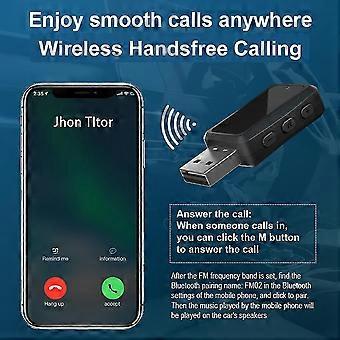
● Call answering: supported
● Auto return: supported
● Power supply mode: USB power supply (5V)
Package includes:
1 x USB Transmitter Receiver
Features of our USB Transmitter Receiver:
1. Bluetooth version upgraded to Bluetooth 5.3
2. Added display screen
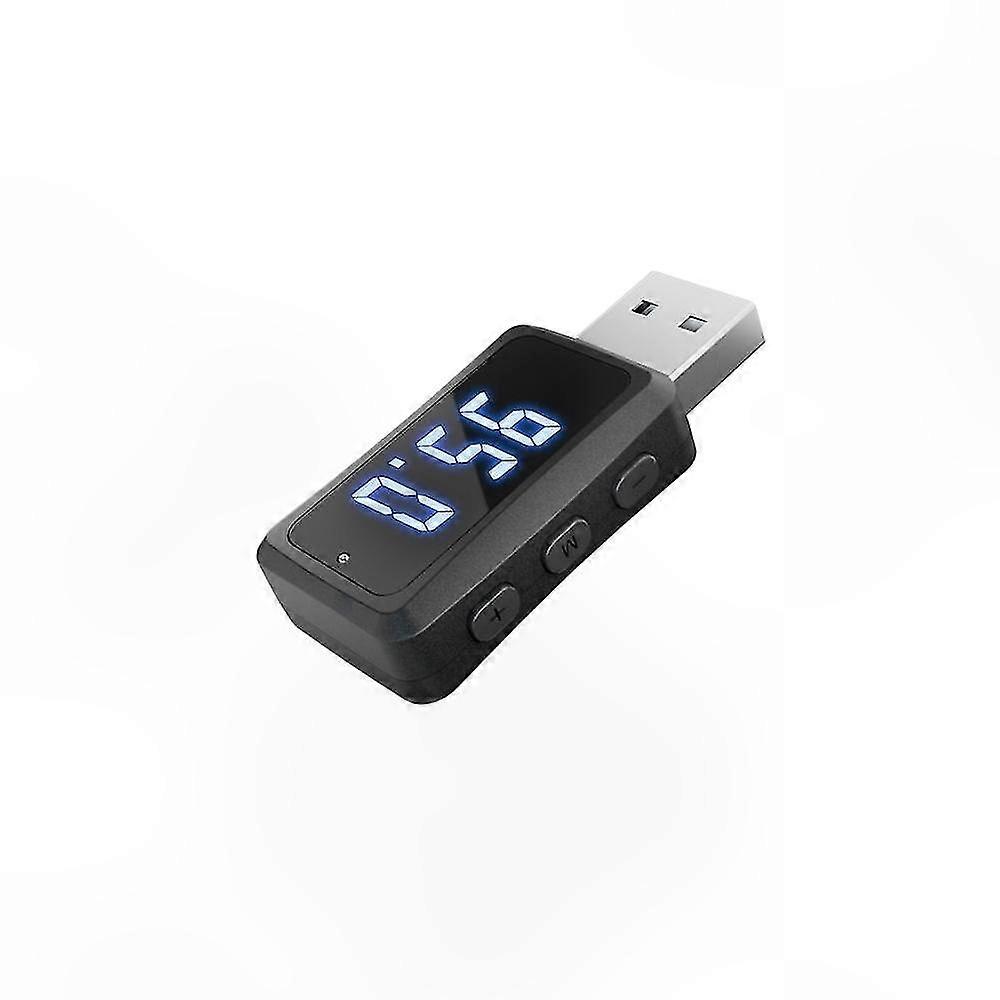
3. Includes 3 buttons to adjust channel from 87.5 to 108, control volume up/down, and skip tracks
Interface and Key Functions:
USB interface: Used for power supply. Connect to any 5V USB port, such as a car USB port or car charger with 5V output.
Multi-function M button:
1. To adjust FM frequency, long press the M button until the screen flashes to enter FM adjustment mode. Use the '+' and '-' buttons to adjust frequency quickly or slowly. Press M again to confirm and exit.
2. During playback, press M to pause or play.
3. To answer a call, press M when a call comes in.
Multifunctional '+' and '-' buttons:
1. '+' button: Press to skip to next track, long press to increase volume. In FM adjustment mode, press or hold to adjust FM frequency upward.
2. '-' button: Press to go to previous track, long press to decrease volume. In FM adjustment mode, press or hold to adjust FM frequency downward.
Instructions:
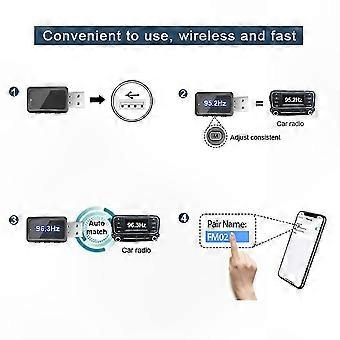
1. Plug FM02 into a 5V USB port in the car.
2. Use the M button to set the desired FM frequency. Turn on the car radio and tune it to the same FM frequency as FM02.
3. FM02 has automatic frequency memory. Upon power-up, it will revert to the last used frequency.
4. Enable Bluetooth on your phone, search for device named "FM02", and pair. Once connected, o from your phone will play through the car speakers.
5. Volume adjustment: Set phone volume to maximum and adjust car stereo volume to a comfortable level. Avoid setting car volume too high to minimize noise and distortion.
Precautions:
1. The default frequency is 95.0MHz, which can be used directly. If interference occurs, switch to another frequency.
2. On some car models, the built-in USB port may lose power when the radio is turned on. If FM02 stops working, use a cigarette lighter adapter with 5V USB output instead.
3. In some vehicles with factory USB ports, performance may be affected by interference. For best results, use with a cigarette lighter car charger (5V output).
4. FM02 does not have auto power-off. Unplug it when not in use.
5. If FM02 is not detected or fails to pair, clear previous Bluetooth pairings on your phone, restart the device, and try again.
-
Fruugo ID:
410026505-868184836
-
EAN:
1101063042330