描述
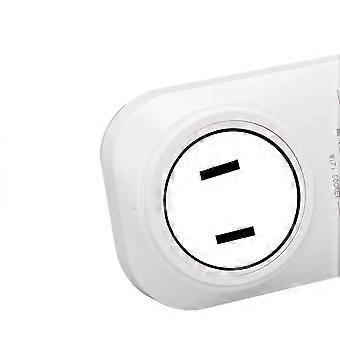
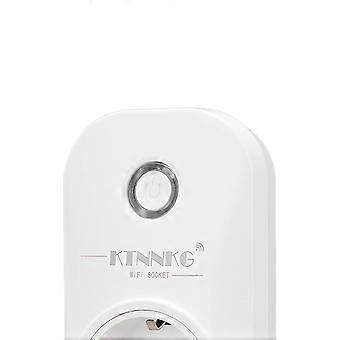
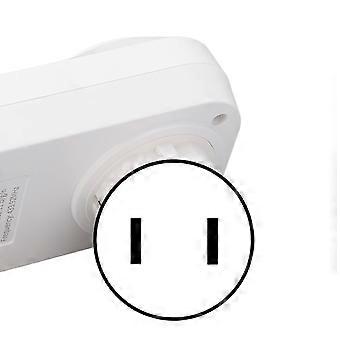
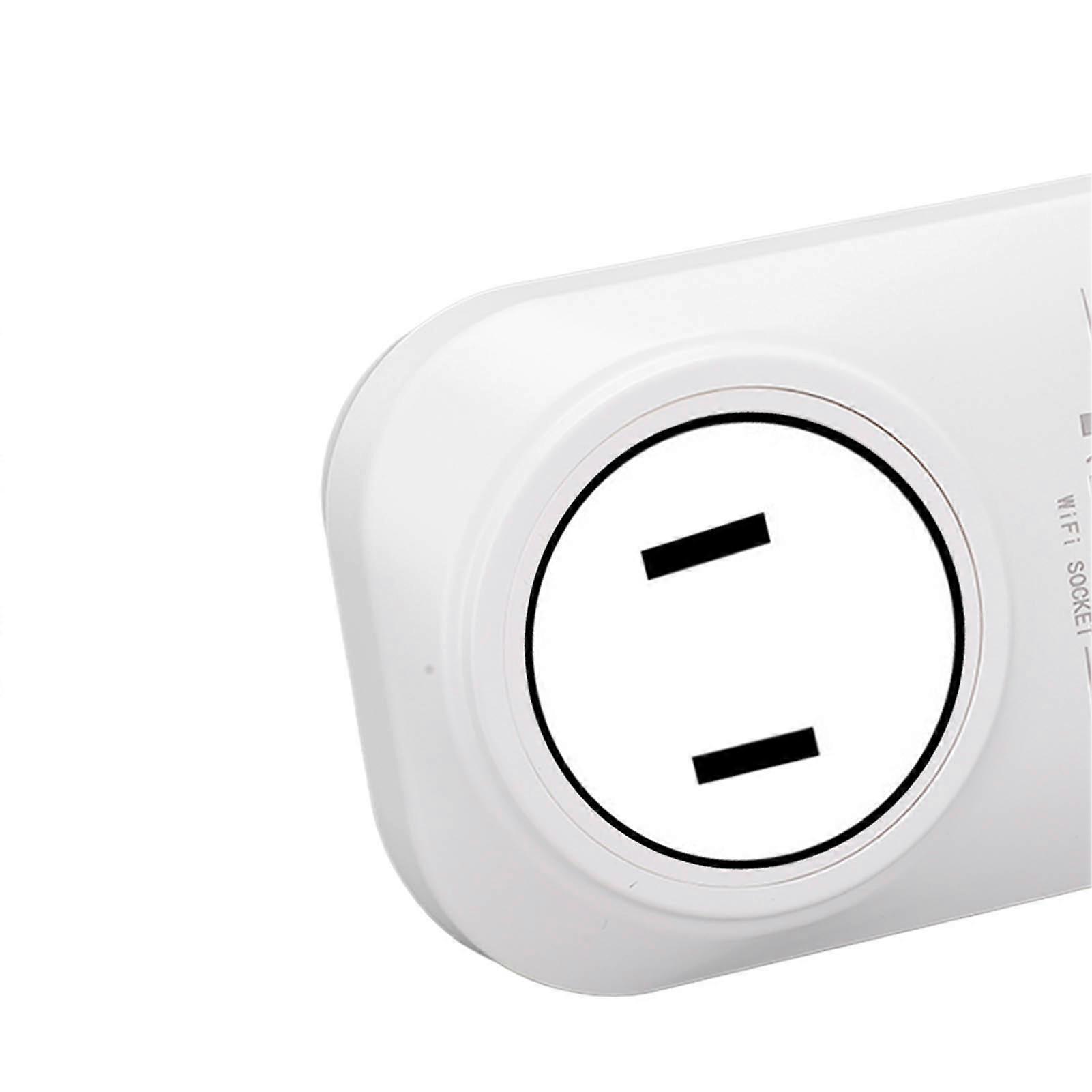
Smart Plug 2.4G WiFi APP Voice Control 433MHz Wireless Switch Delay Timing for Google Assistant 90
Feature:1. Voice Control: Smart plug can be used with devices which support for Google Home, for Tmall Genie, for Google Assistant and for IFTTT for easy voice control.2. APP Control: You can use your mobile phone to download the for Smart Life application to control any light electronic device anytime and anywhere, more convenient to use.3. WIFI Connection: For Smart Life APP can help you connect the smart plug to any secure 2.4Ghz wireless network, without a separate hub, dualfrequency synchronous control.4. Timing Function: Set a schedule, you can turn on and off connected devices at a specified time, such as arranging your children lights to turn off to let them know it is time to go to bed.5. Countdown Function: The countdown function of smart plug allows you to set a timer that automatically shuts down, so you do not have to doubt whether you have unplugged the device.6. High Performance: For Smart Life APP is suitable for many smart home devices, allowing you to easily control your home from any for Android or for iOS device.7. Control Method: A variety of control methods including socket button, attached remote control, mobile phone APP, intelligent voice control as you need to choose.Specification:Item Type: Smart PlugMaterial: ABSBattery: 1PCS 12V 23A battery (NOT included)Voltage: 90-250VQuiescent Current: 8mARated Current: Maximum 10AWiFi: IEEE 802.11.b/g/nUse APP: For TUYA / for Smart LifeVoice Control: Support for Google Home, for Tmall Genie, etc.Working Frequency: Remote Control 433.92MHz, WiFi 2.4GLoad Power: 2200WReceiving Sensitivity: -105dbmCoding Method: Learning TypeWorking Mode: Self-locking, interlocking, timing, delayModulation Method: ASKControl Distance: APP has no distance limit, remote control is approx. 100m/109yd (open area without interference)How to Use: Pairing Method: The socket has only one button, which is both the power button (manual switch) and the pairing button (remote control + APP).How to Pair APP Mode:Turn on the power, press and hold the pairing button for 5 seconds; the blue indicator light starts to flash slowly, indicating that you are waiting for pairing, then open the for TUYA APP and search for the device. When pairing for the first time, put the phone, switch and router as close as possible, about 15s will show that the pairing is successful, at this time the blue light is normally on, you can rename the device. Enter the APP page to set the scene and location. The switch is off by default, if you want to make changes, you can enter the Restart State Settings of the APP, and you can choose Power Off, Power On or Power Off Memory.How to Pair the Remote Control Mode:Turn on the power, press the pairing button, the red light is on, indicating that the output circuit is connected; press it again, the red light is off, indicating that the output circuit is off. Press the pairing button 8 times continuously, the red light flashes, indicating that the code is cleared successfully. When the output circuit is disconnected, press the pairing button twice, the red light turns on, and then press the remote control button, the red light flashes 3 times quickly, and the self-locking mode is set successfully.When the output circuit is disconnected, press the pairing button 3 times, the red light is on, press the A and B buttons of the remote control respectively, and the interlock mode is set successfully (ie A is on and B is off)Explanation of Output Mode:1. Self-Locking: Press the same remote control button, press it once, the relay is turned on, and press it again, the relay is turned off.2. Interlock: Press the A button on the remote control to turn on the relay, and press the B button on the remote control to turn off the relay..Package List:1 x Smart Plug1 x Remote Control1 x Manual
-
Fruugo ID:
324585015-719191647
-
EAN:
7598390104840