描述
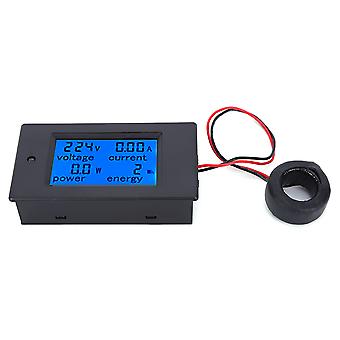
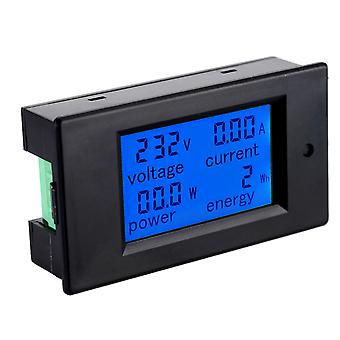
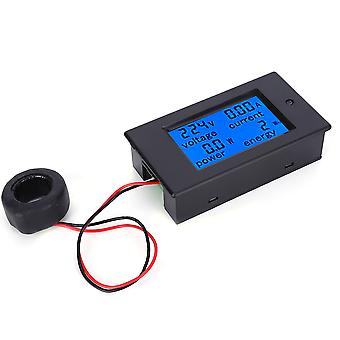
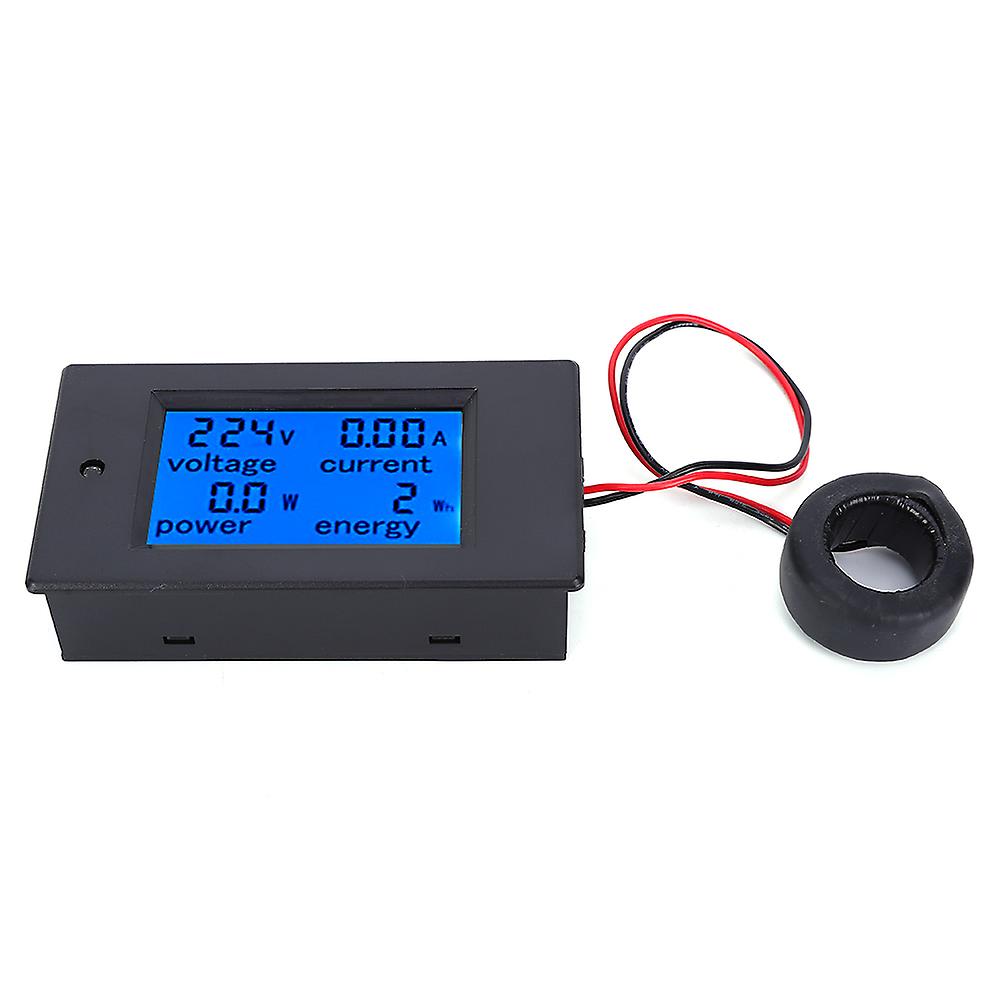
TSPZEM-061 Multifunction LCD Digital AC Voltage Current Power Energy Meter Tester
Welcome to our store!
1、Preset Power Alarm Threshold Function: Set your desired power alarm threshold for added safety and awareness.
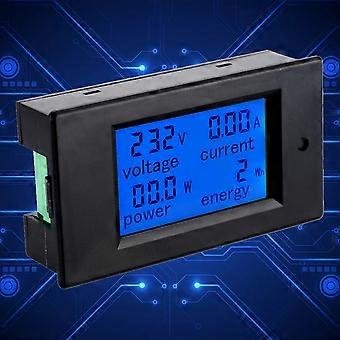
2、Large LCD Screen Interface: Simultaneously displays voltage, current, power, and energy parameters for comprehensive monitoring.
3、Backlight Control: Easily toggle the backlight on or off with a short press of a button. The backlight setting is automatically saved when powered off.
4、Overload Alarm Function: When the current exceeds the set alarm threshold, the backlight flashes to alert you of a potential overload.
5、Precision and Stability: This meter offers accurate and stable performance in a compact and portable design.
Specifications:
Condition: 100% Brand New
Item Type: Digital AC Meter
Material: ABS
Color: As shown in the picture
Display Size: Approx. 51x30mm/2x1.2in
Overall Size: Approx. 89.6 x 49.6 x 24.4mm/3.5 x 2 x 1in (L x W x T)
Power:
Test Range: 0~22kW
Within 1KW, display format is 0.0~999.9W.
1KW and above, display format is 1000~9999W.
10KW above display format: 10-22KW.
Energy:
Test Range: 0~9999kWh
Within 10KWh, the display format is 0~9999Wh.
10kWh and more, the display format is 10~9999kWh.
Voltage:
Test Range: 80~260V
Display Format: 80~220V
Current:
Test Range: 0~100A
Display Format: 0.00~99.00
Working Voltage: 80 - 260VAC
Test Voltage: 80 - 260VAC
Rated Power: 100A/22KW
Working Frequency: 45-65Hz
Measurement Accuracy: level 1.0
Weight: Approx. 104g/3.7oz
Backlight Control:
The backlight can be turned on or off by quickly pressing the button. The backlight is automatically saved when the power is off.
Reset Energy:
Step 1: Long press the button for 5 seconds until the digit in the energy display window flashes, then release the button.
Step 2: Short press the button again, then the energy value is cleared and exit the flashing reset mode.
Step 3: Then long press the button again for 5 seconds until the digit does not flash, it means that the energy value is not cleared and will leave the reset mode.
Set Power Alarm Threshold
Step 1: Long press the button until the LCD screen displays "SET CLr", then release the button to enter the setting mode
Step 2: The power window displays the current power alarm value and the last digit starts to flash, then you can short press to plus 1, when there is no operation for more than 3 seconds, it will automatically switch the digit position, the setting method is the same as above.
Step 3: After completing the setting, long press the button for more than 5 seconds to automatically save and exit, the active power threshold is 0.0~4.5kW
Includes:
1 x Digital AC Meter
1 x User Manual
-
Fruugo ID:
382507832-823907504
-
EAN:
6902512975989