描述
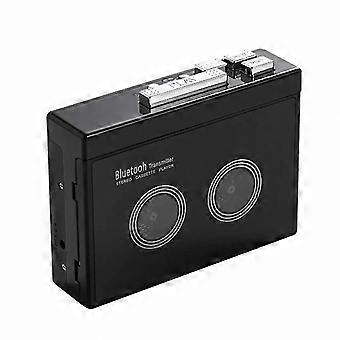
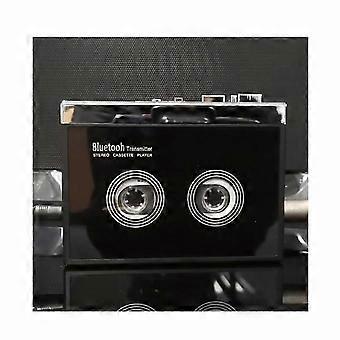
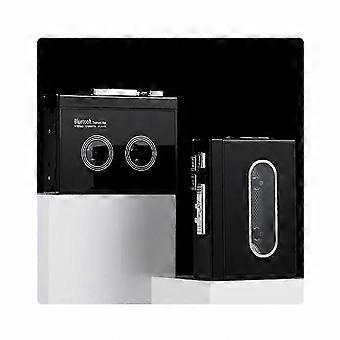
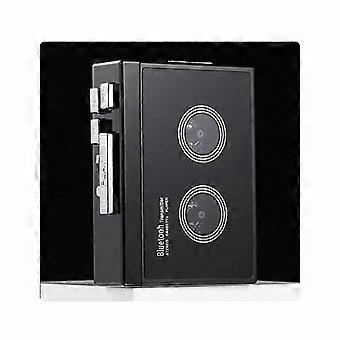
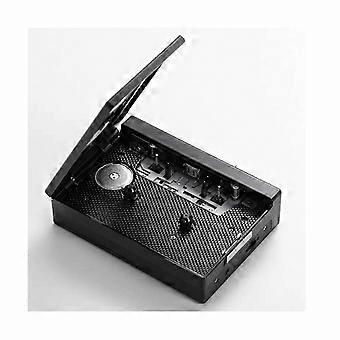
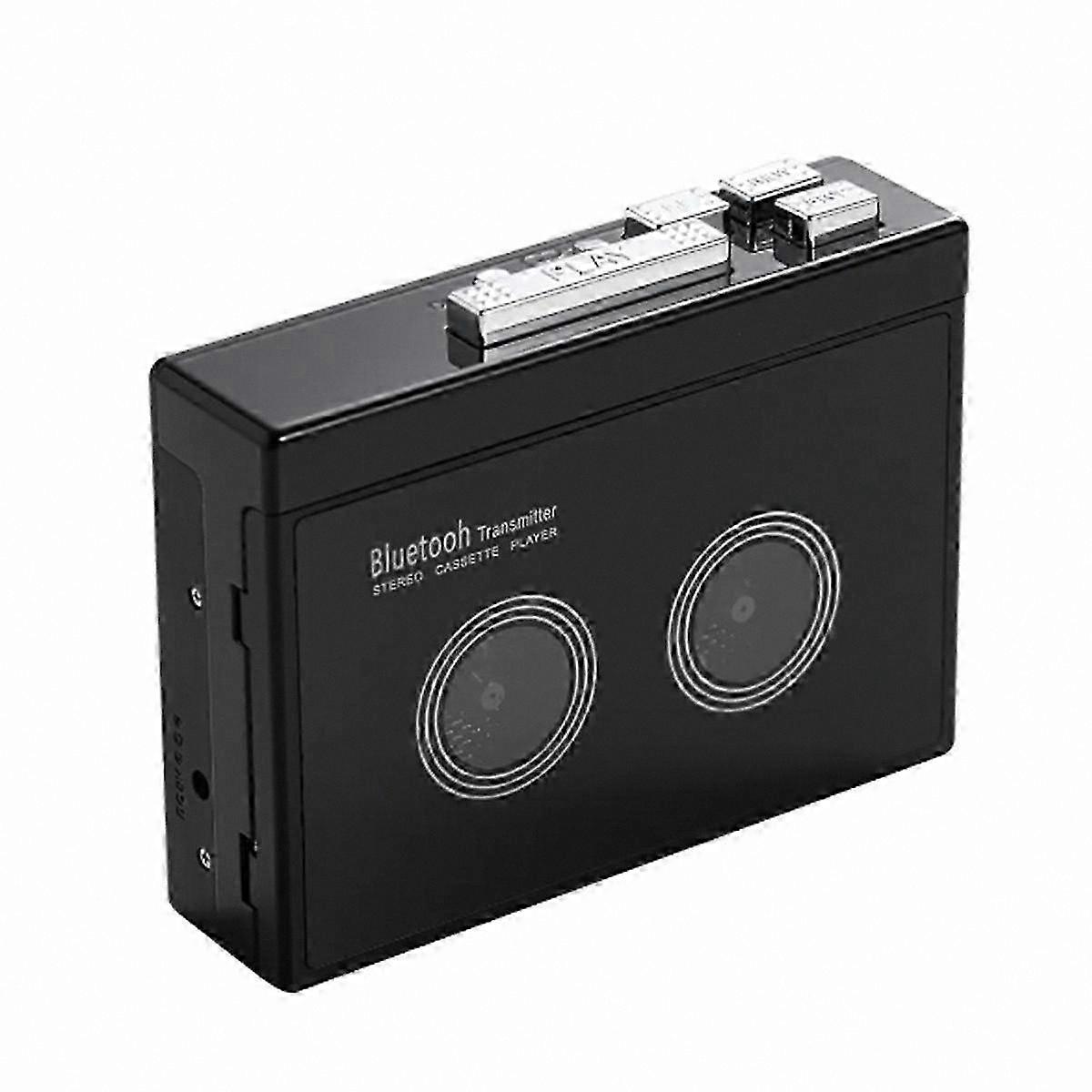
Vintage Bluetooth Cassette Player with Auto Reverse Function Portable Retro Tape Walkman for Music Lovers
How do I connect my phone via Bluetooth and switch to FM radio? (Note: K66-1 version only supports mobile phone connection). Insert an earphone or speaker with a 3.5mm plug into the headphone jack. Long press the Bluetooth button for 3 seconds to power on. Press the FM button to switch between mobile phone Bluetooth and FM radio. The LED blue light stays on when Bluetooth is connected, and flashes when in FM radio mode.
When prompted for Bluetooth connection, turn on Bluetooth on your mobile phone, search for the device named "HC01", and pair. Once connected, the LED blue light remains steady. Play music from your phone through headphones or speakers with a 3.5mm connector. Short press the "+" or "-" button to switch tracks, long press "+" or "-" to adjust volume, or adjust volume directly from your phone.
In FM radio mode, press the mode button to start automatic channel search and save stations. After scanning, short press "+" or "-" to switch between saved channels, and long press to adjust volume. Tape playback is not available when connected to mobile phone Bluetooth or in FM radio mode.
How do I connect a Bluetooth receiving device? Ensure the Bluetooth receiving device is powered on. Long press the Bluetooth button for 3 seconds to activate Bluetooth. The white LED light turns on and flashes quickly, automatically searching for available receivers. Once paired successfully, the white LED remains steady. After inserting a tape, press the "PLAY" button to begin playback.
During Bluetooth pairing, do not insert any device into the headphone jack, as this will prevent automatic pairing. To turn off Bluetooth, long press the Bluetooth button for 3 seconds. If no Bluetooth device is connected for an extended period, the white LED will flash and Bluetooth will automatically shut down.
Input voltage: DC 5V (2 x AA batteries) (batteries not included)
Output voltage: DC 5V
Output current: Less than 400mA
Output power: Less than 2W
o format: Two-channel stereo
Tape speed: 4.765% standard
Bluetooth version: V5.0
Transmission distance: Up to 10 meters (in open space)
How to use the tape function:
1. Headphone jack: Insert headphones to listen privately
2. Use the volume knob to adjust sound level during playback
3. Press the "DIR" button to automatically reverse the tape
4. Press the "PLAY" button to start playback
5. Playback mode: Choose behavior when tape reaches end. In loop mode, tape continues playing. In single mode, playback stops after one side finishes
6. Press the "F.F" button to fast forward
7. Press the "REW" button to rewind
8. Press the "STOP" button to stop playback
Color: Black
Material: Plastic
Package Contents:
1 x Retro Stereo Cassette Player
Note: Light reflection and differences in display screens may cause slight variations in color. Measurement may vary by +/- 1-3cm.
-
品牌:
Unbranded
-
类别:
卡带机
-
颜色:
Black
-
Fruugo ID:
412031797-871418966
-
EAN:
8466794572604