描述
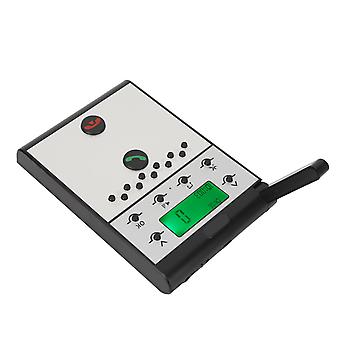
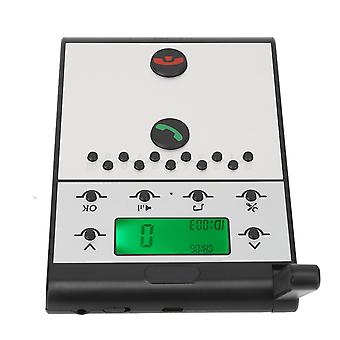
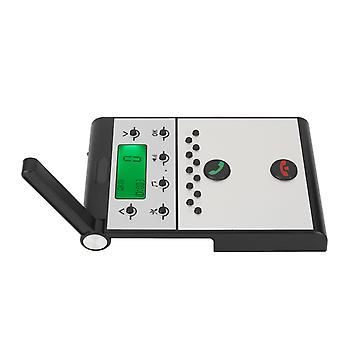
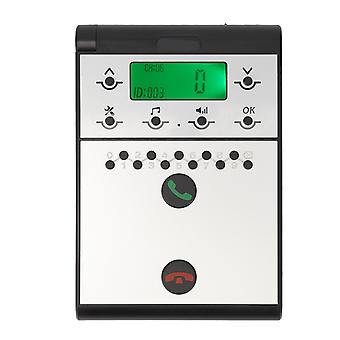
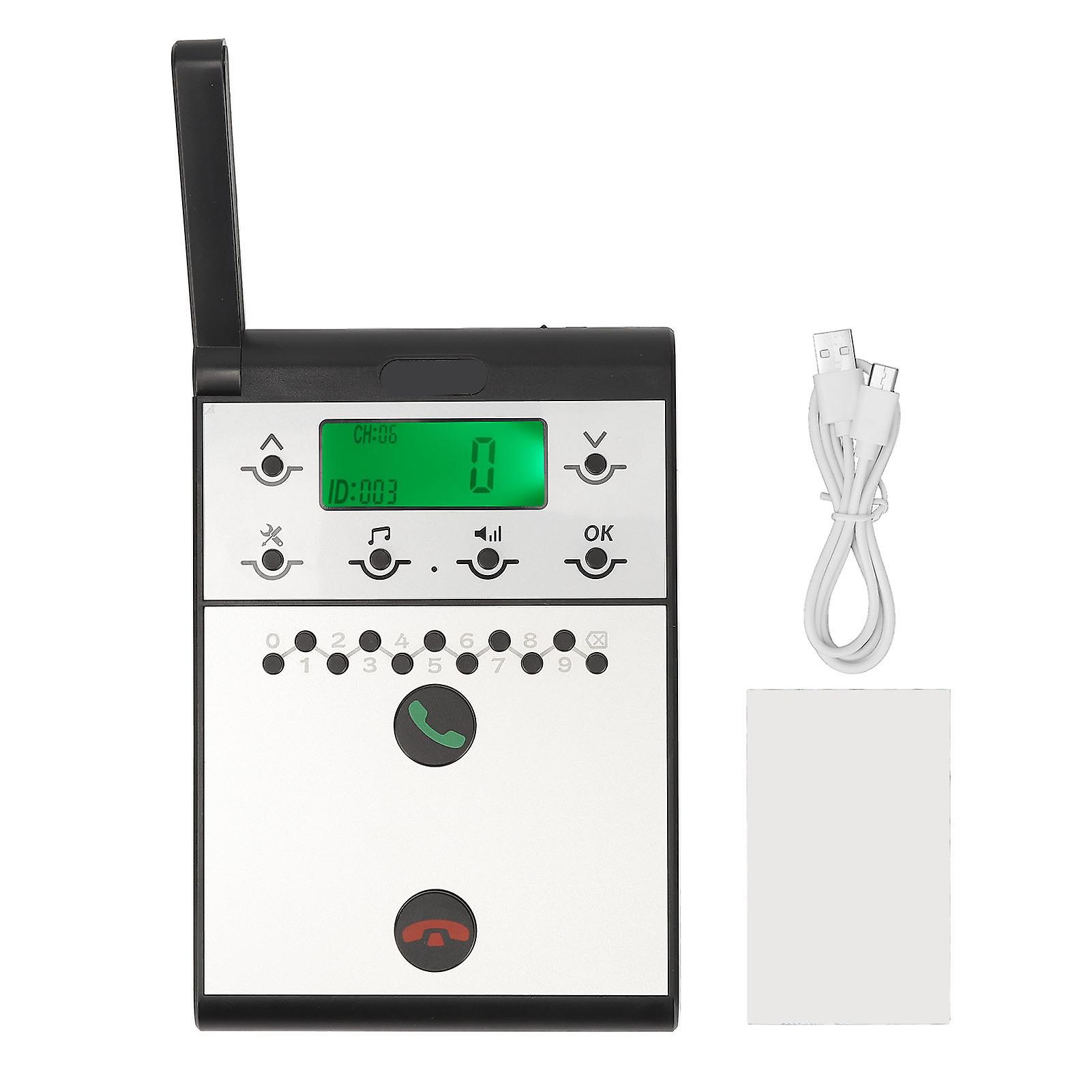
Wireless Intercom System 2km Long Range LED Screen Room to Room Sub Master Intercom Communication
Feature 1REAL TIME COMMUNICATION: Wireless intercom system allows for clear and reliable real time communication, with full duplex monitoring, group calls, and crystal clear sound quality for excellent conversation. 22KM LONG RANGE: With a range of up to 2km in open space, our wireless intercom system is perfect for indoor or outdoor use. It's a simple and effective solution for all your communication needs. 3CLEAR LED DISPLAY: Equipped with LED screen, wireless intercom system is incredibly user friendly and provides a clear display during usage. It is suitable for home or office use. 4CRISP SOUND QUALITY: Wireless intercom system provides clear and crisp sound quality, ensuring reliable and secure communication, which interference free and provides stable communication. 5VERSATILE USAGE: Wireless intercom system is ideal for a wide range of scenarios, making it a perfect fit for business, office, and home use, which provides clear and reliable communication.Item Type:WirelessIntercomMaerial: ABSBuilt inBattery: 2000mAhLithiumionBatteryVolumeLevel: 7 LevelsCommunicationDistance: Up to 2km in open spaceHost to HostIntercom: All hosts cancalleach otherHost to Subintercom: Host cancallsub intercoms170How to UseStep One: SettingtheIDNumberfortheHost1. Press and holdtheSettings keyfor3 seconds until a beep is heard.2.Thescreen will display "1."3. Pressthe<OK> key and "<ID: 999>" will begin to flash.4. Usethekeypad to inputthedesired <ID> number (0 is between 1 and 998).5. Press <OK> to confirm and an audible "dudu"soundwill indicate thatthe<ID> number has been set successfully.Step Two: SettingtheSame Channel "CH"fortheHost1. Press and holdtheSettings keyfor3 seconds until a beep is heard.2. Presstheupwardarrowkey <^> once andthescreen willswitchfrom "1" to "2."3. Press <OK> and "<CH: 01>" will begin to flash.4. Usetheupward <> or downward <v>arrowkey to adjustthechannel <CH>, selecting a channel number between 01-20.5. Press <OK> to confirm and an audible "dudu"soundwill indicate thatthechannel <CH> has been set successfully.Step Three: SettingtheSame PasswordfortheHost1. Press and holdtheSettings keyfor3 seconds until a beep is heard.2. Presstheupwardarrowkey <^> once more andthescreen willswitchfrom "1" to "3."3. Press <OK> and "<000>" will begin to flash.4. Usethekeypad to inputthedesired <password>, a three-digit number between 001-999.5. Press <OK> to confirm and an audible "dudu"soundwill indicate thatthe<password> has been set successfully.
.wang-edit-text{
font-family:'Arial' !important;
}
.wang-edit-text table {
border-top: 1px solid #000;
border-left: 1px solid #000;
}
.wang-edit-text table td,
.wang-edit-text table th {
border-bottom: 1px solid #000;
border-right: 1px solid #000;
padding: 3px 5px;
}
.wang-edit-text table th {
text-align: center;
}Package List1 xWirelessIntercom1 x Instruction Manual1 xSticker1 x USB CableNoteSub intercom and Sub intercom cannot make calls to each other
-
Fruugo ID:
226381739-482992234
-
EAN:
4023690893970